
Can I design shirts with AI on my phone?
Yes. That is the core of MRCH. Install from the App Store or Google Play, or open sellmerch.ai.
4.9 on the App Store from 14 ratings. Same merch backend on iOS, Android, and web.
The job
A sentence, a face, a logo. Output meant for a garment — not a moodboard of stock clipart.
Modify, erase, knock the background out. The first generate is a draft, not a listing.
If it only looks right as a 1:1 crop, it is not ready. Check it on the shirt you will sell.
Price it, see production, go live. An AI merch maker that stops at a PNG is just an image toy.
Why this, not a canvas
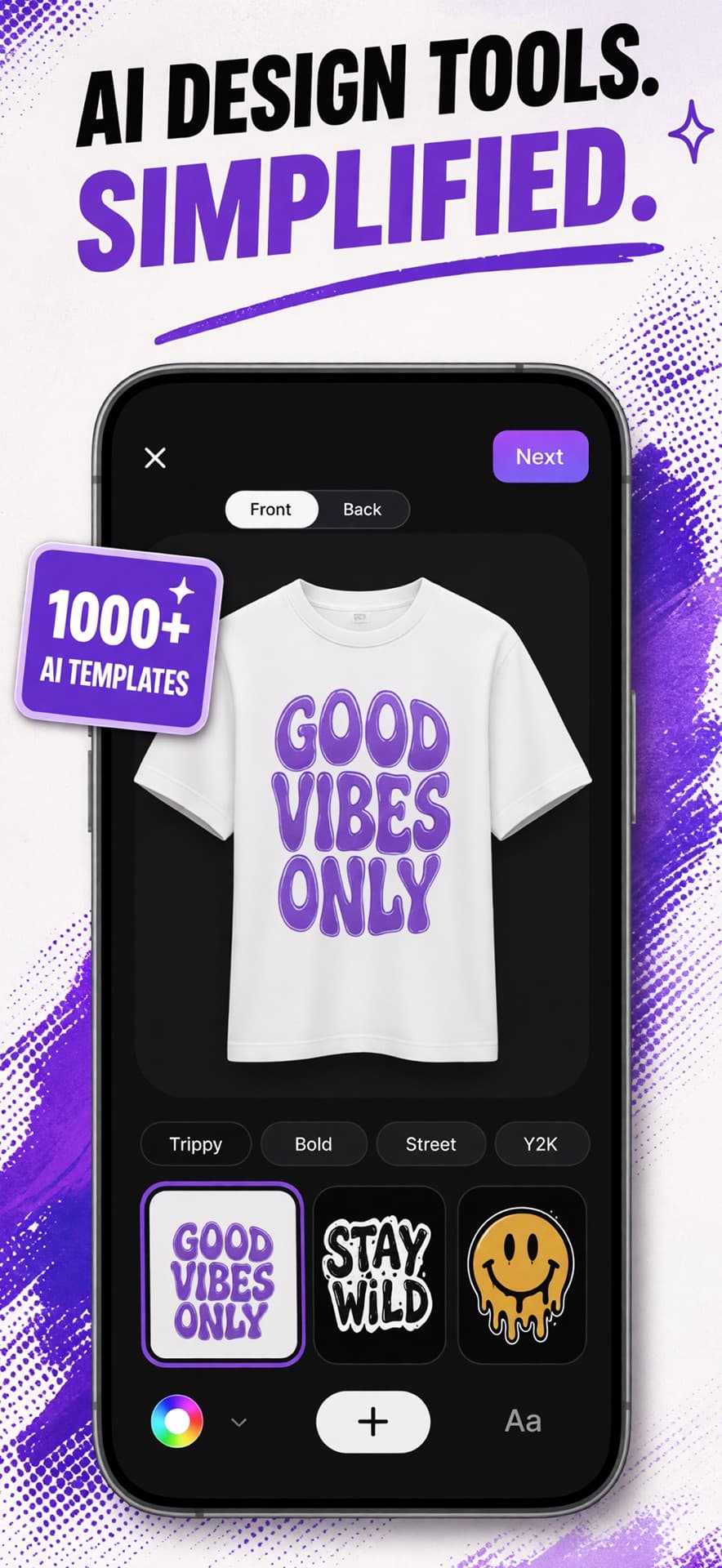
Image apps generate pictures. A merch maker has to survive a chest print. In MRCH you start with a prompt, a logo, or a brand direction, then you work the canvas until the logo sits on a real garment. That is the difference between “make an image” and “make something you can sell.”
Phone-first because most creators are not in Illustrator. The iOS and Android apps and the web app talk to the same backend. For the product-design cut — generate or upload, then list — see AI product design. Step-by-step: AI t-shirt design for creators.
Logo, avatar, and brand assets live here too, so the post that announces the drop can match the shirt. Selling is not a second subscription — it is the merch store app in the same product.
The studio
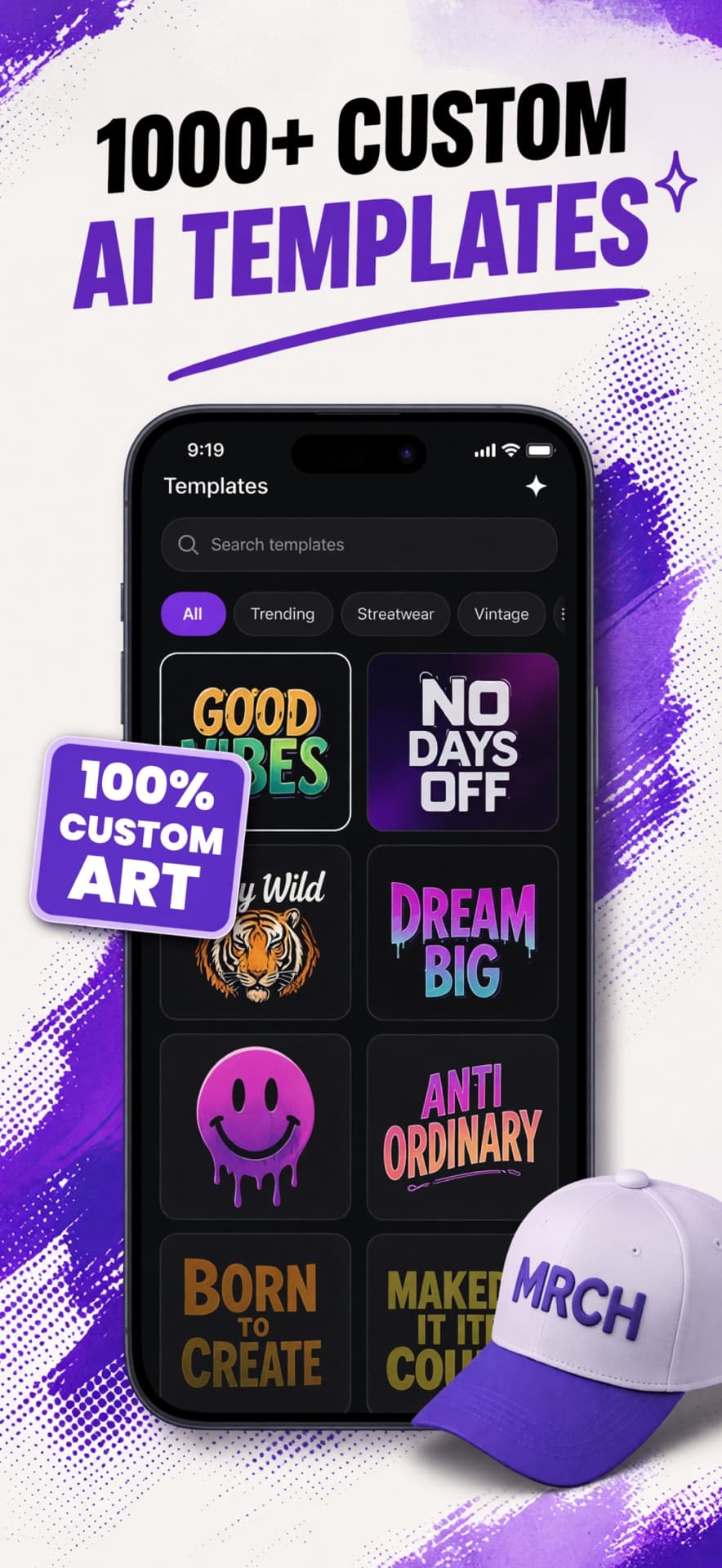
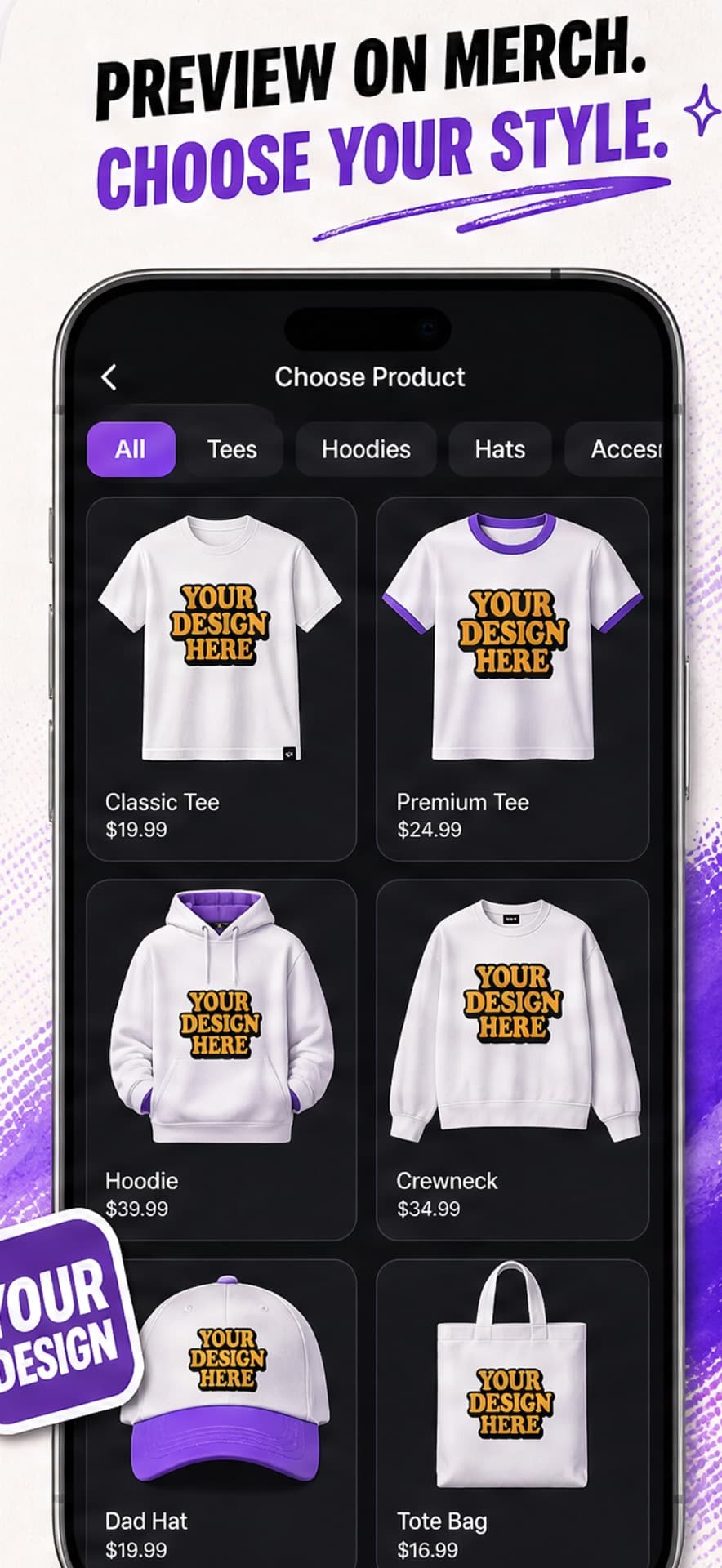
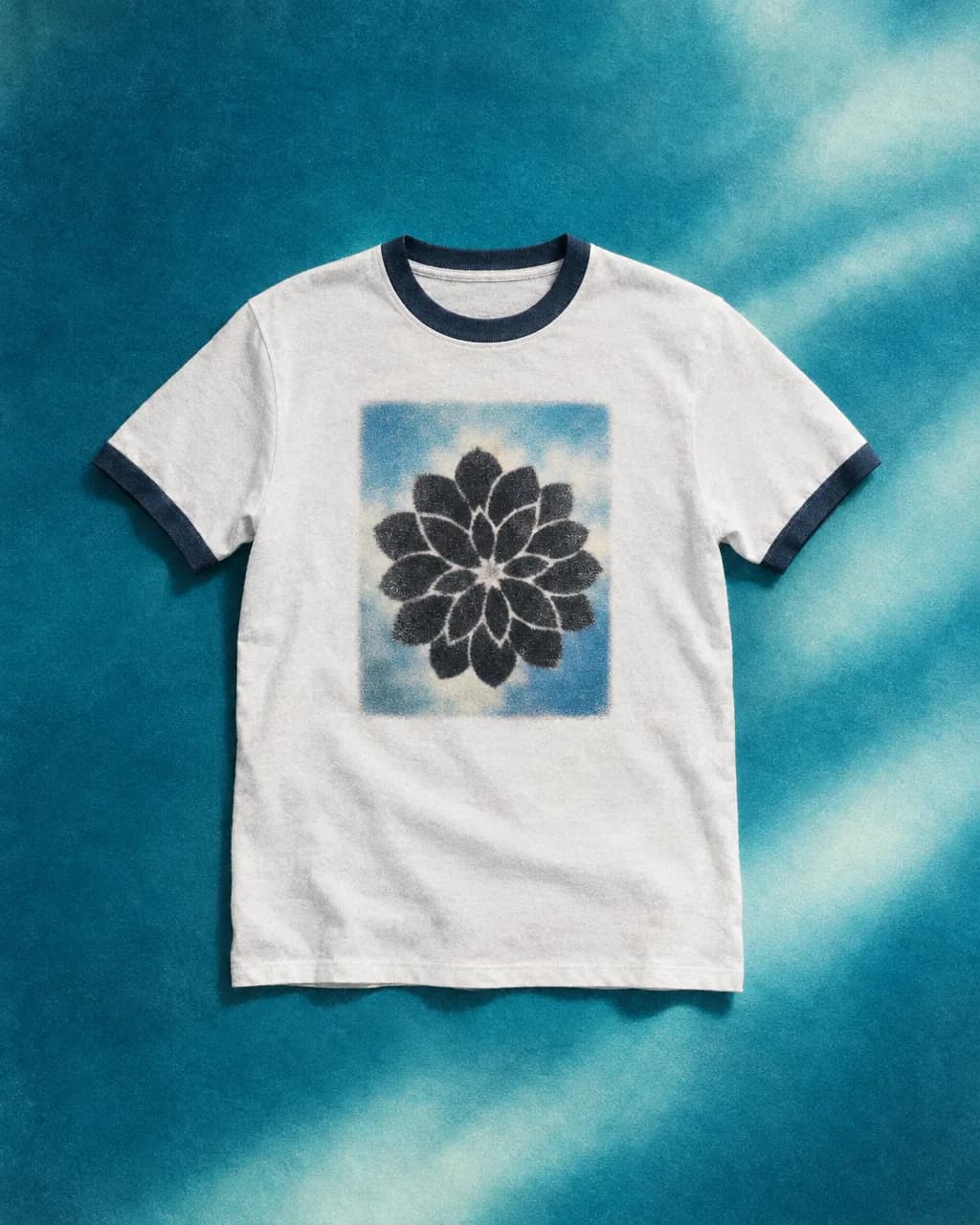
Merch styles exist so you are composing for a chest, a tote, a hat — not scrolling a generic art feed.
A logo you drew. A still from the set. You do not have to regenerate a brand you already own.
Layers, type, erase, remove background. That is design. A one-shot render is a souvenir.
Desktop AI tools fail merch in a predictable way: the file looks fine on a white board and wrong on fabric. MRCH is built around a garment preview so you see placement before a stranger does. Print quality is that check, not a diamond badge on a SKU picker.
Canva is a graphics suite. You still need print, price, and a shop. Catalog POD tools such as Printful and Printify assume you arrived with a finished file and usually a store on another platform. Fair if that is already your stack. MRCH is the other starting point: no designer on staff, and you want to sell merch online from the same place you generated the art.
After the art
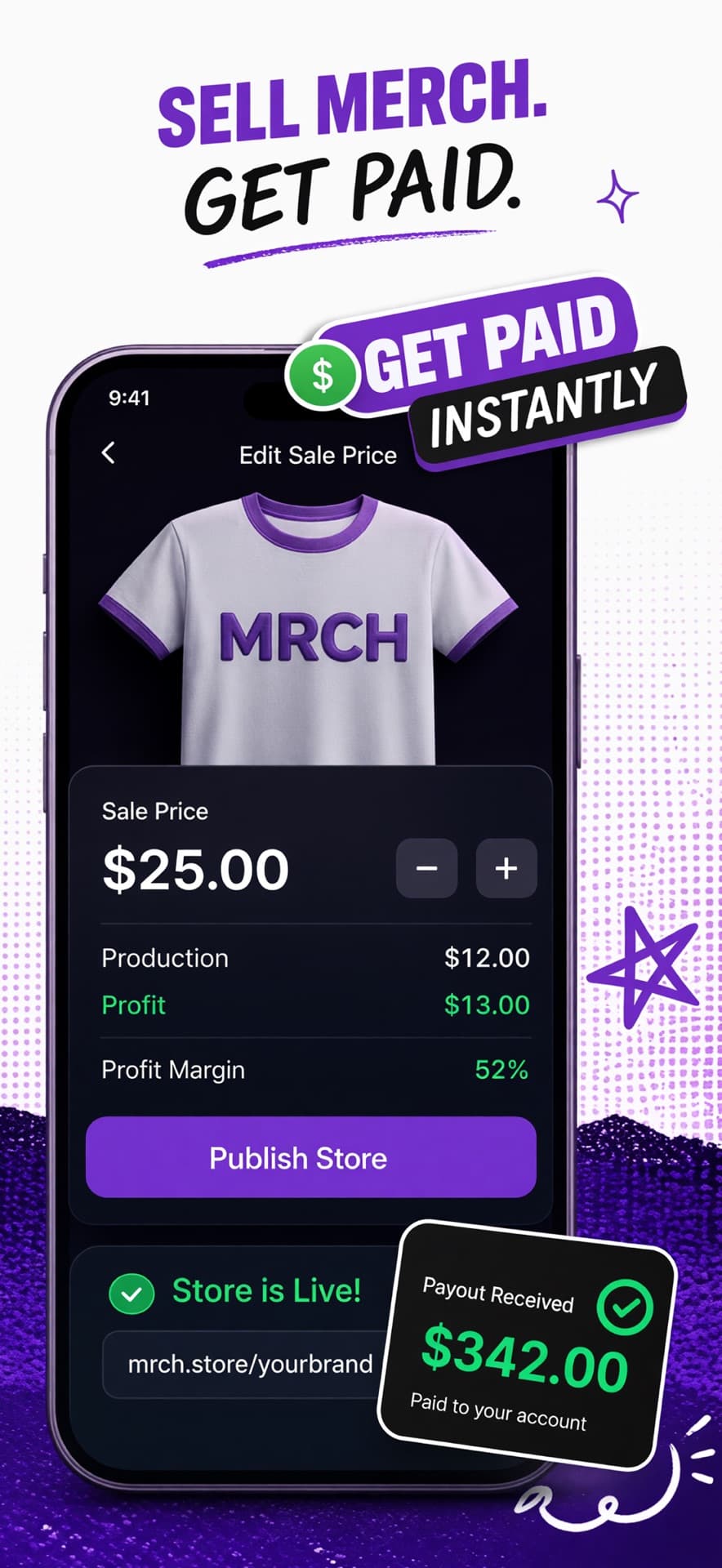
After you like a design, you set the sale price. Production cost and the remainder sit next to it. Margin is the gap — visible before launch, which is what transparent pricing means here. Sketch it on merch profit; confirm it in the app.
Publishing opens a live store. You are not asked for a deposit or a carton. That is print on demand: production starts after a customer pays. Operator view: how to design and sell custom merch.
Musicians who need the same merch loop plus covers and tour posters should use Backstage AI, the musician studio — iOS and Android only, no web editor. MRCH is the creator merch product. Both are from Backstage AI LLC.
Same app
Tees first
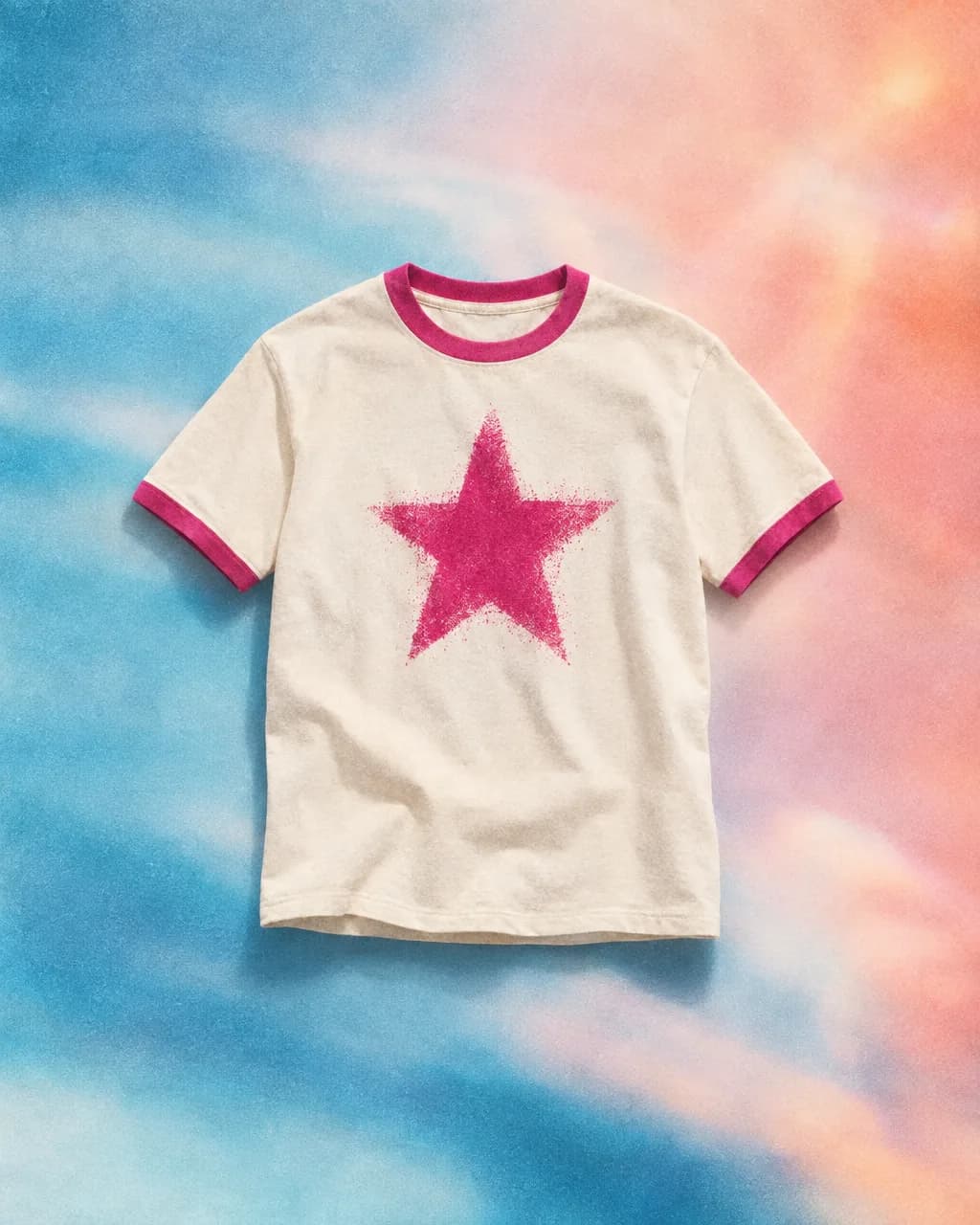
Most people start on a chest print. Custom t-shirt design is the same canvas.
Heavier blanks next
A hoodie is a different print area and a different cost. Do not copy a tee price onto fleece.
Art that survives fabric
Hairline noise that sparkles at 4x zoom can die on cloth. Check it on the blank.
The App Store listing frames MRCH for people with an audience who want merch without becoming a screen printer. You do not learn a fulfillment dashboard before you have a design. You also do not download a second “store” app — the shop is inside MRCH. Definition: what is MRCH.
If the question is “what app,” start with best app to sell merch and the FAQ. Short version: design with AI, preview the product, see profit, go live.
Yes. That is the core of MRCH. Install from the App Store or Google Play, or open sellmerch.ai.
Yes. Generation pairs with a live store. You are not exporting to Shopify to finish the job.
No. Canva is design-only. Printful and Printify are fulfillment catalogs that expect files and usually another storefront.
Free to download. Credits pay for generation. Fulfillment is print on demand after each order.