Compare · Canva

MRCH vs Canva for merch

Canva designs graphics you export. MRCH is merch you can sell: artwork on a real garment, profit before you publish, a live store. Print after the order. No inventory.

Ringer t-shirt close crop with a circle-in-square chest print

Canva

General design suite — ends at an export

MRCH

Merch you can sell — ends at a product

The jobs

Both have AI. The difference is the object of the AI.

The loop

From graphic to garment to a live shop.

  1. 01

    Design for a garment

    Generate artwork meant to live on a chest, a tote, a hat — not a slide or a story crop.

  2. 02

    Preview the product

    If it only looks good as a 1:1 crop, it is not merch yet. Place it on the blank you will sell.

  3. 03

    See the remainder

    Production cost and profit sit on the product itself before you publish.

  4. 04

    Sell from the same app

    A live shop. No export into a second system to take an order.

What Canva is good at

Canva is good at graphic design for almost everyone. Templates, collaboration, presentations, social posts, and a large library of layouts are the core product. It has mobile apps and AI features inside that design suite. For a poster, a story graphic, or a deck, Canva is often the right first tool.

Canva can also produce artwork you later put on merch, and it offers print-related flows of its own. Those are design-adjacent, not a creator merch operating system. You still need somewhere to preview a garment as a product, set a sale price against production cost, and actually sell. That last mile is not what Canva is for.

Saying “use Canva for merch” usually means: design the graphic there, then export it into a store, a POD plugin, or another app. MRCH collapses that chain. Canva remains the better place for a brand kit, a tour itinerary PDF, or a thumbnail that is not going on a hoodie. Using it for those jobs is not a compromise. Using it as your only merch backend usually means you still need a second product to sell.

What MRCH is built for

MRCH is garment-first. AI product design here means art on a real blank, not a pretty PNG. The AI merch maker generates in the app, you preview it on real products, and you design custom t-shirts with the print area in mind. Then you set a price, see the margin, and publish a live store. Print-on-demand fulfillment starts after an order. No warehouse, no deposits, no minimums.

Both products have AI. Canva helps you make graphics. MRCH helps you make merch you can sell from a phone or the web. Social promo graphics are part of the MRCH flow because promoting a drop is part of selling, not a separate design project. See how it works or MRCH vs print-on-demand platforms.

Feature snapshot

A product-fit table, not a ranking. We do not list prices or ratings here — those change. Confirm details on each product’s site.

MRCH compared with Canva
FeatureCanvaMRCH
AI design in-appYes — general graphicsYes — merch artwork
General graphic design suiteYesNo
Built-in live merch storeNoYes
Garment preview for sellingPartialYes
Profit visible before publishNoYes
Print-on-demand fulfillmentPrint products exist; not a merch shopYes — after each order
Hold inventoryNot a merch warehouse productNo — print after order
Mobile appsYes — design-firstYes — merch-first
Album coversPartial — templatesNo — see Backstage AI

Who should pick which

Choose Canva if…

You need a general design suite — slides, thumbnails, brand kits, team templates. It is stronger than MRCH at that job because that is the job Canva was built to do.

Choose MRCH if…

The outcome is a product someone can buy. The path is idea → garment → AI artwork → profit check → live shop. That is selling merch online, not exporting a PNG into a third system. Musicians who want album covers and tour posters alongside merch should see Backstage AI.

Plenty of people will use both: Canva for campaign graphics, MRCH for the shirt and the store. That is a fair split. This page exists so you do not expect one product to do the other’s work.

FAQ

What is the main difference between MRCH and Canva for merch?

Canva is a general design suite. MRCH is merch you can sell: AI artwork on real garments, profit before you publish, and a live store with print-on-demand fulfillment. Canva ends at an export; MRCH ends at a product.

Can I design merch in Canva and sell it in MRCH?

You can create graphics in Canva — it is a strong design tool — then bring finished artwork into other products. MRCH is for people who want generation, garment preview, pricing, and a live store in one merch app.

Does Canva include AI design?

Yes. Canva has AI features in its design suite. MRCH also has in-app AI, aimed at merch artwork on real products rather than general layouts.

Does Canva include a live merch store?

No. Canva is not a merch storefront. MRCH publishes a live shop in the same app so you can sell without exporting into a second system.

Does MRCH replace Canva for everything?

No. Use Canva for presentations, social templates, and general graphics. Use MRCH when the job is custom merch with a live store and print-on-demand fulfillment.

From graphic to garment

Generate merch artwork, preview it on a real product, and publish a live store. Free to install — iOS, Android, and web.

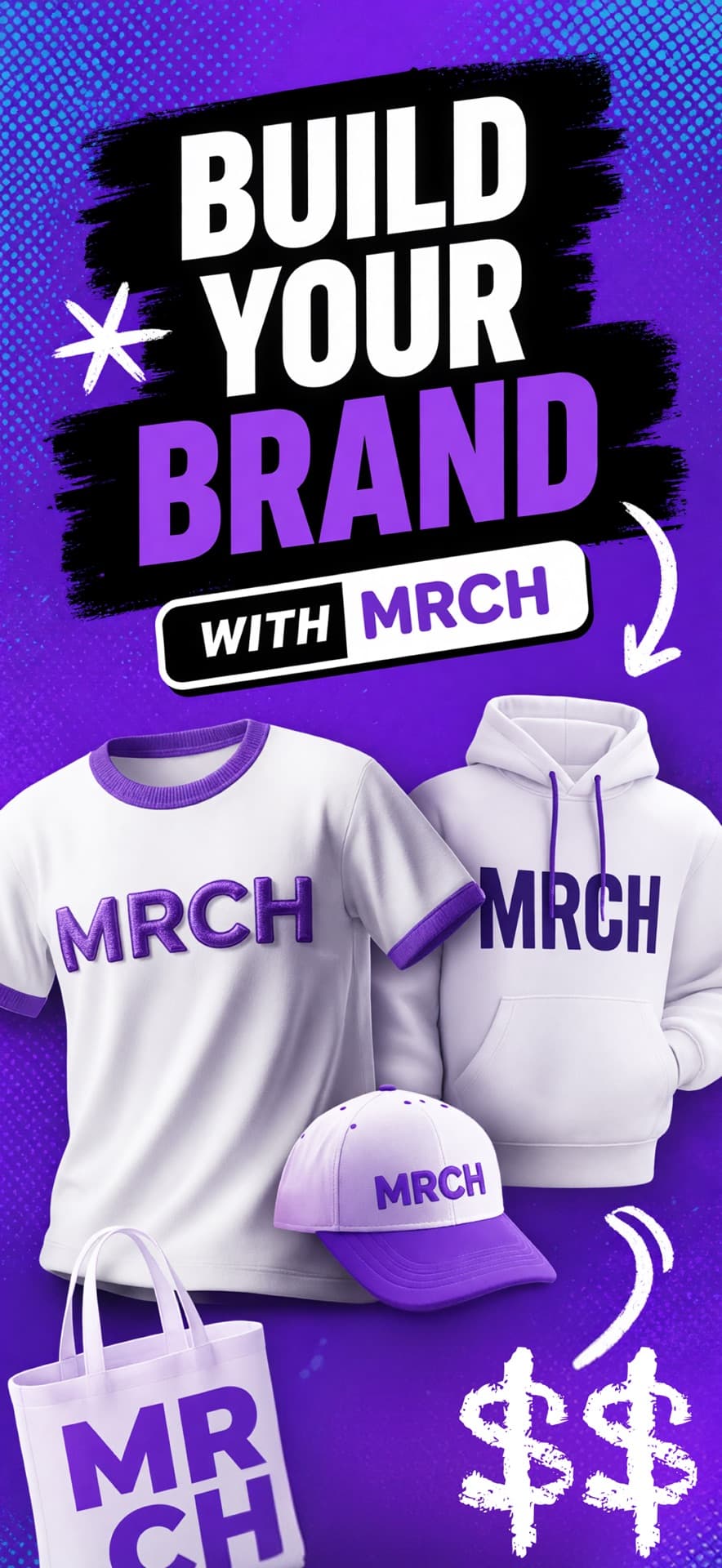
MRCH App Store screenshot: Build your brand with t-shirt, hoodie, cap, and tote mockups
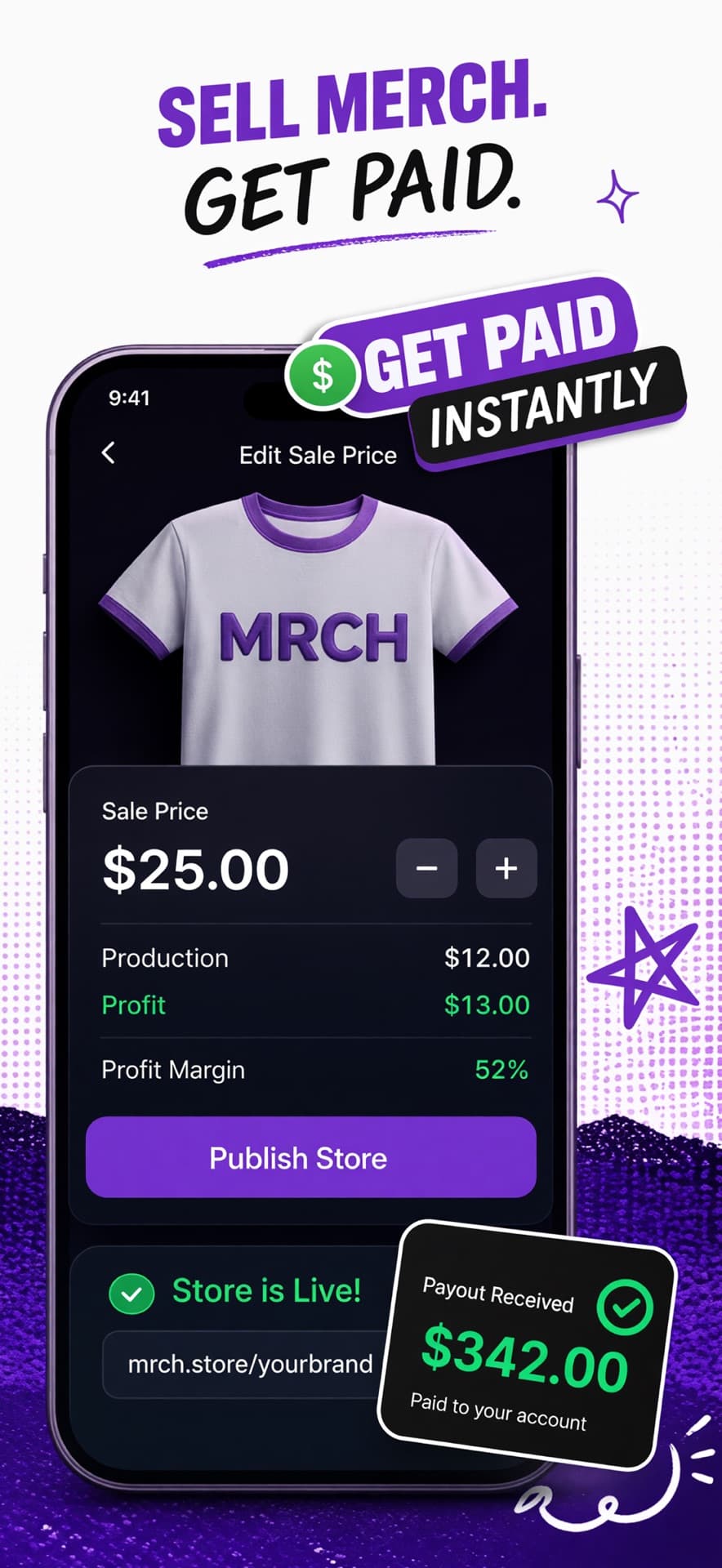
MRCH App Store screenshot: Set a sale price, see profit, and publish a live store
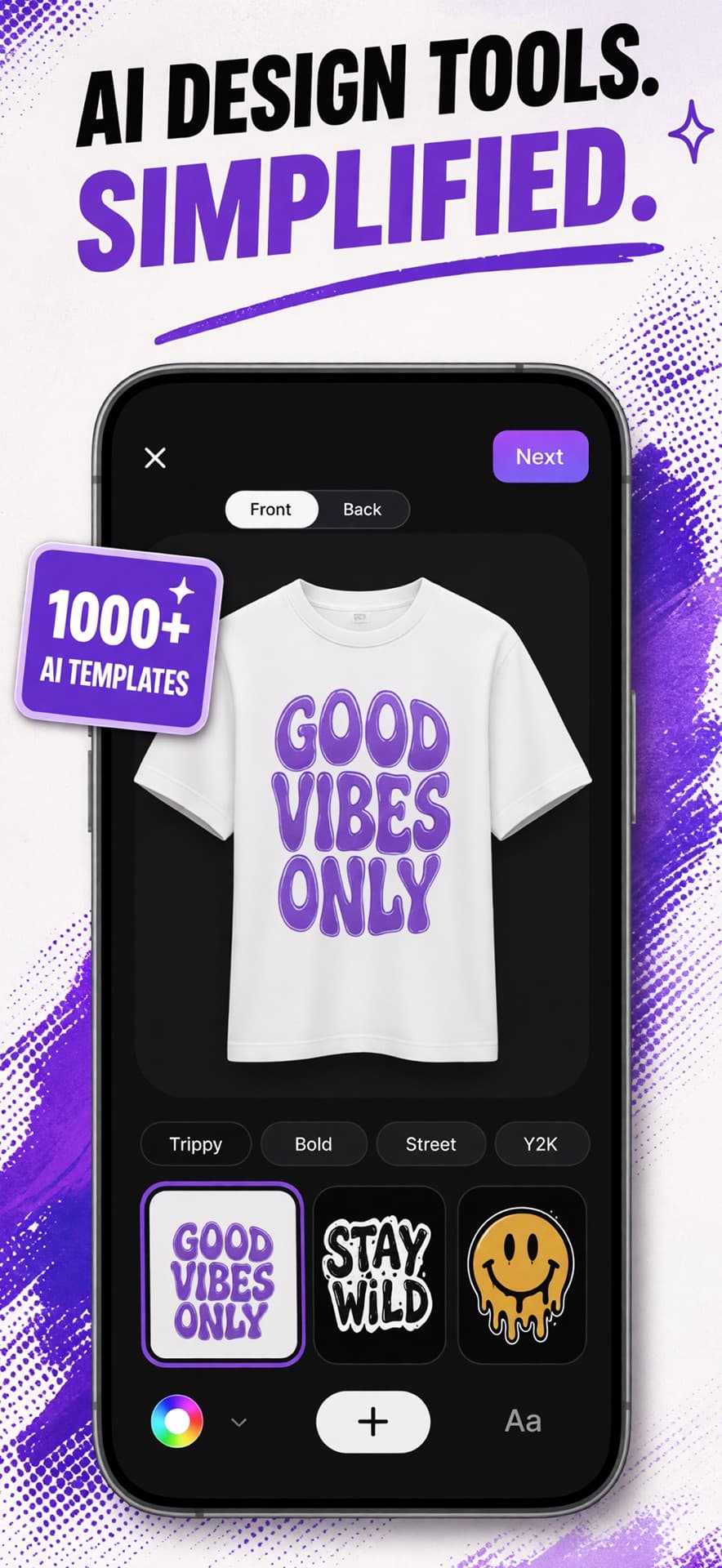
MRCH App Store screenshot: AI design tools on a t-shirt canvas with style templates
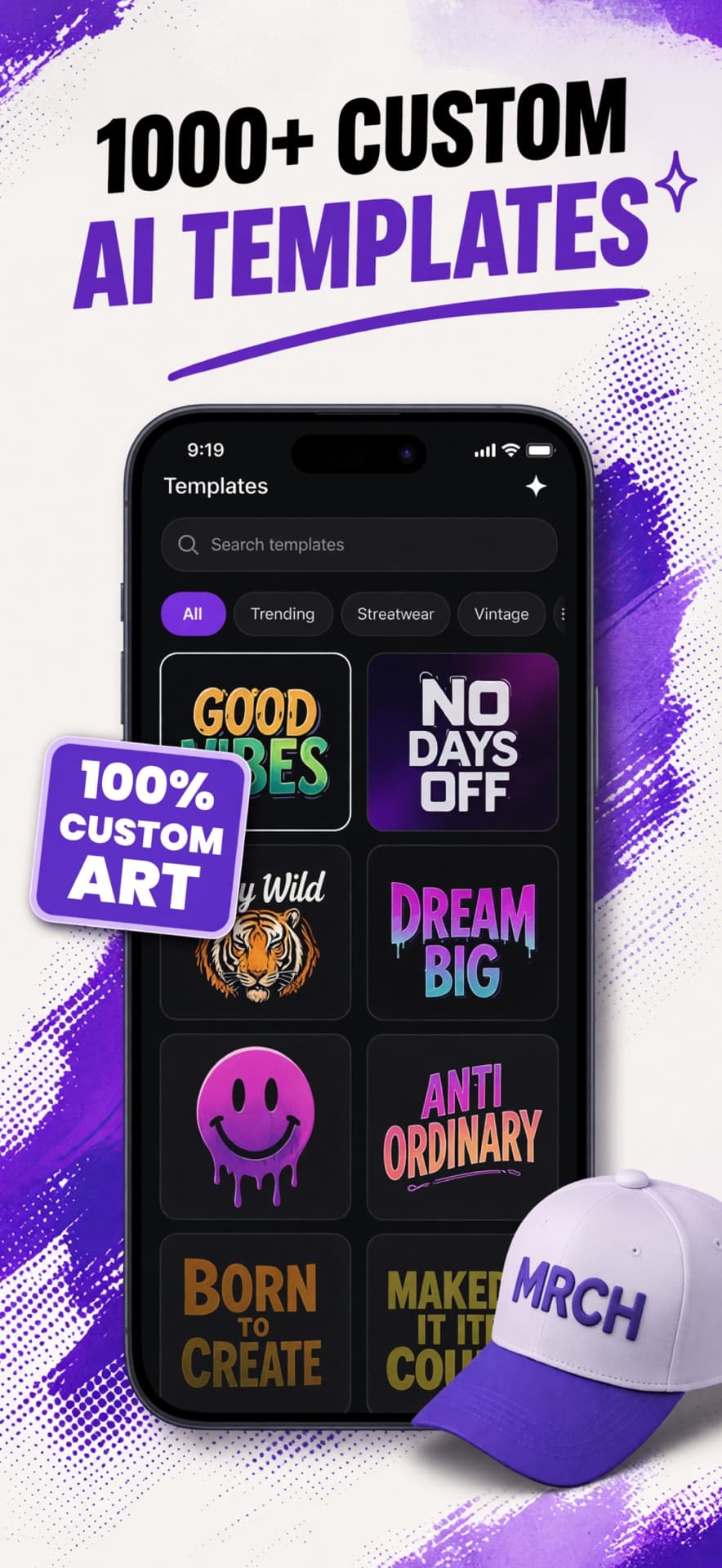
MRCH App Store screenshot: Browse custom AI merch templates
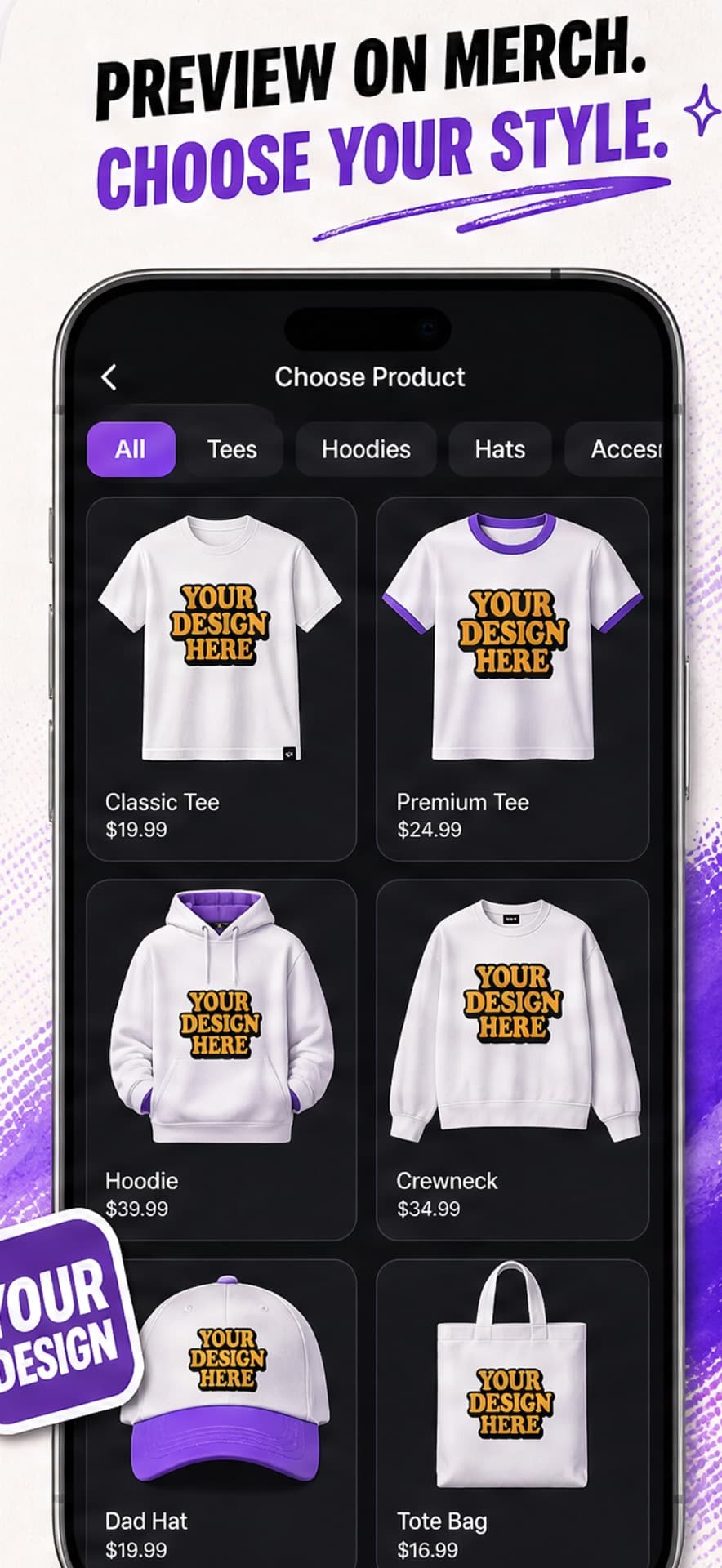
MRCH App Store screenshot: Preview a design on tees, hoodies, hats, and totes