



How does MRCH work?
Pick a garment, generate or upload art, place it on the print area, set a price with production cost visible, then publish a live store. Print-on-demand fulfillment starts after someone buys. You do not hold inventory.
Watch it work
The walkthrough
MRCH is an AI merch maker with the shop inside. Same loop on the iOS and Android app and in this web app after you sign in. Musicians who also need covers and tour visuals should start on Backstage AI.
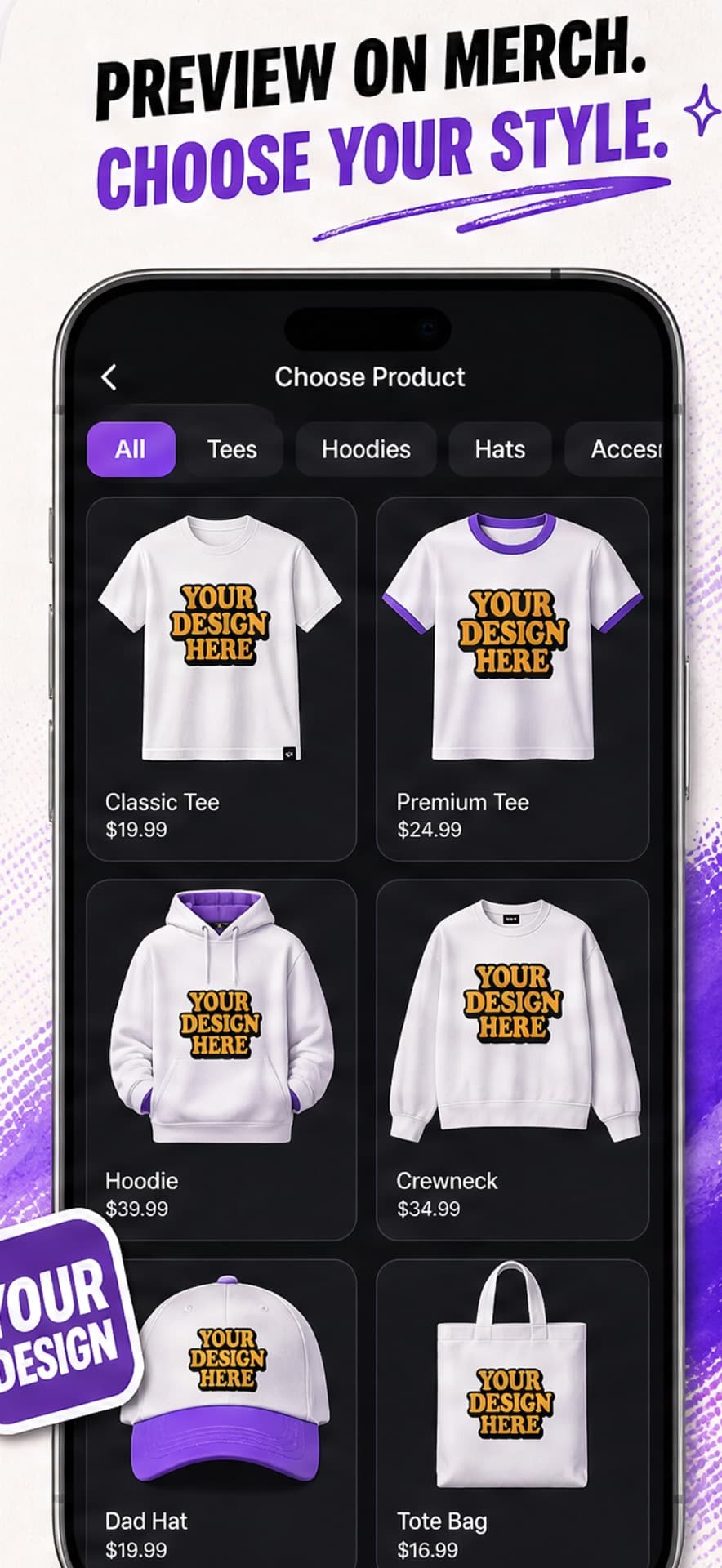
Tee, hoodie, crewneck, hat, tote, sticker, poster. You start on the product, not a detached artboard.
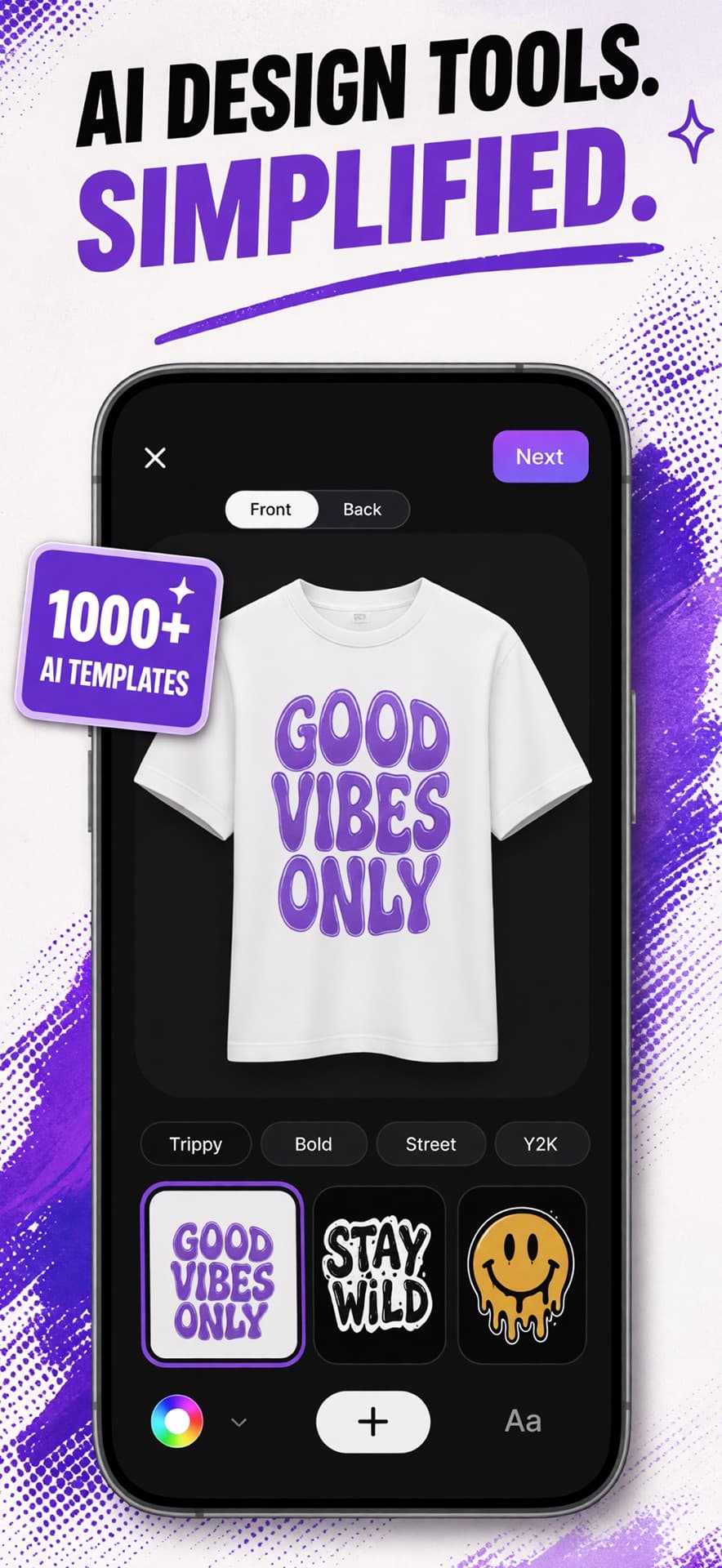
A style plus a short prompt, an upload, or something you already generated. Credits pay for AI — files you own are free to place.
Move, scale, rotate, crop, erase, knock the background out. Front and back are separate on shirts. Production uses the print rectangle.
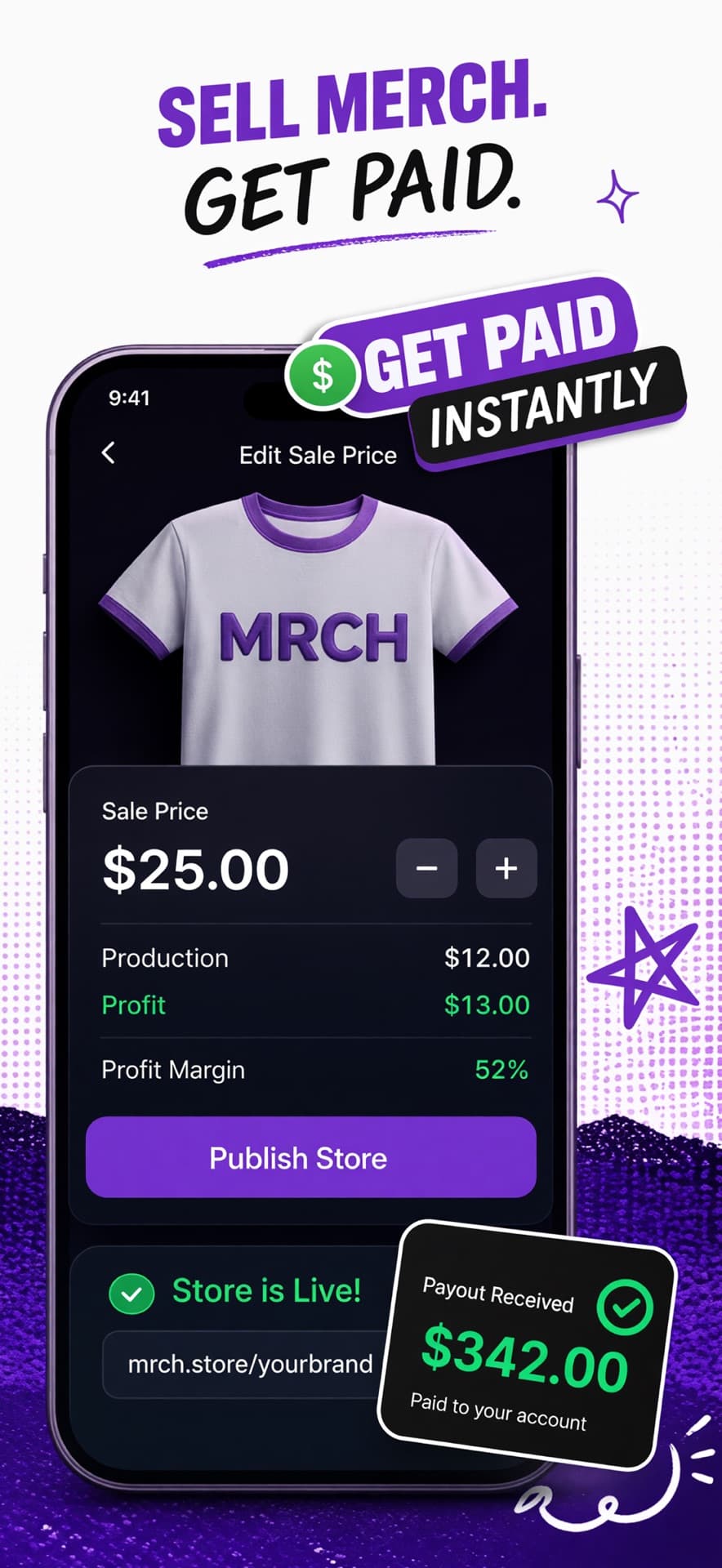
Sale price next to production cost. The floor is the print. Margin is what remains — not the sticker.
Name the store if you have not. Products go live on your MRCH link. You still have to tell people it exists.
One size, one color, one checkout is a real order. No dozen-piece unlock.
Fulfillment starts after payment. You do not pack a box. You do not sit on leftover XL.
Connect PayPal. Remainder after production and the platform cut — not the full retail line.
The catalog
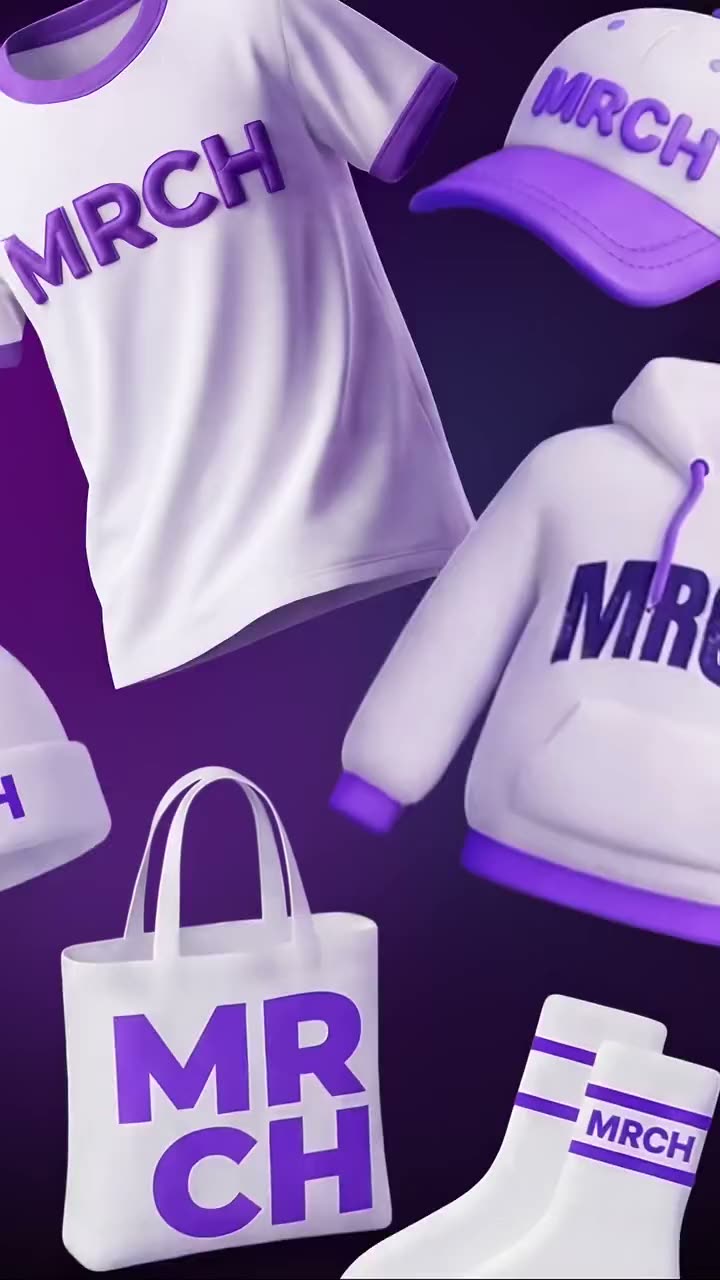
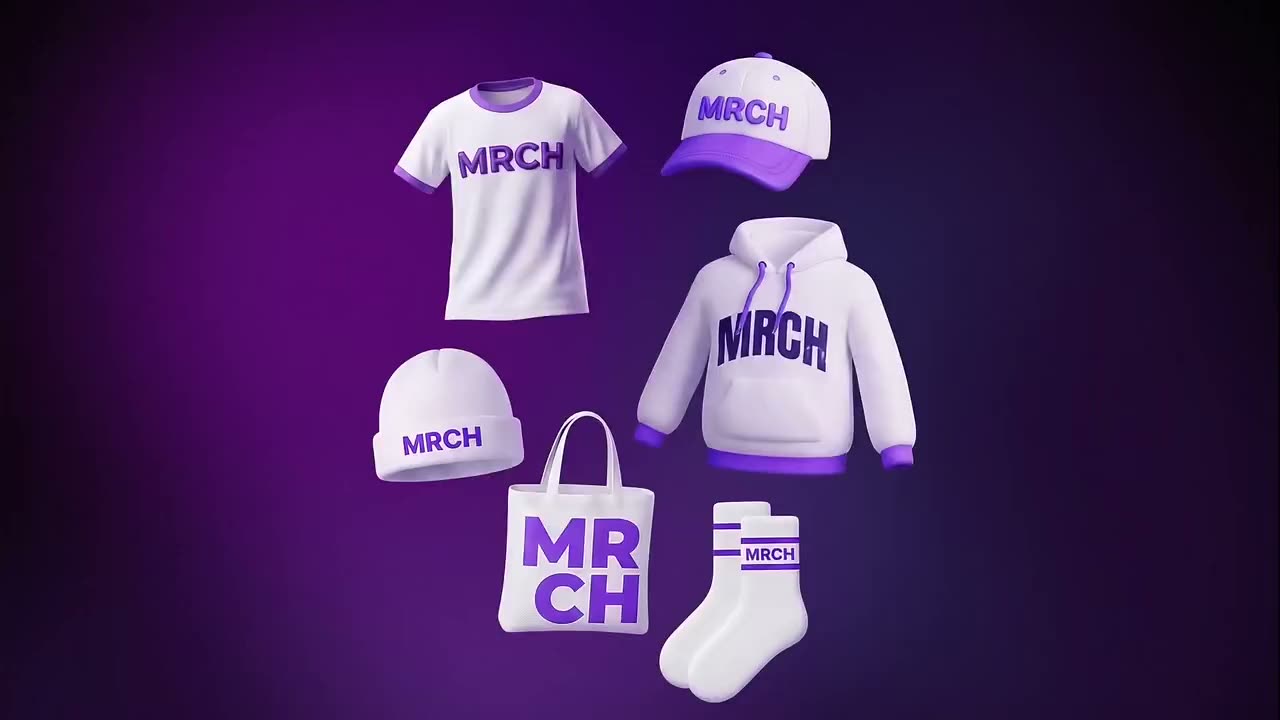
The garment hub is a live list, not a locked set of five SKUs. Native MRCH uses the same merch backend. Availability can grow. Color is chosen on the canvas — a black hoodie and a natural ringer are different designs.

Ringer and garment-dyed unisex tees. Front and back. Color is a design choice, not an afterthought.
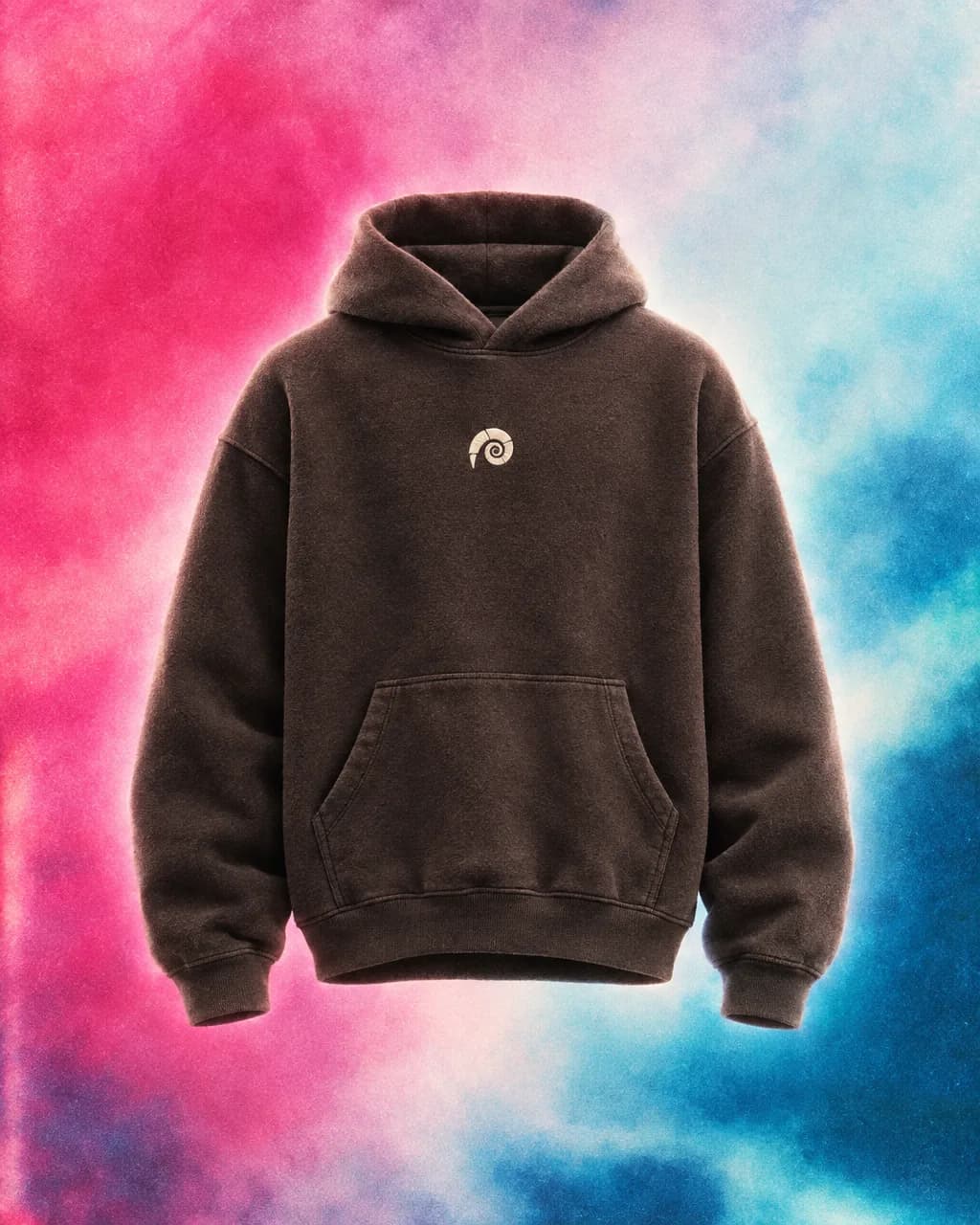
Heavier blank, higher production. Price it like fleece, not like a tee.
Same two-sided canvas as shirts. A quieter silhouette if the hoodie is too loud.
Single-side. The logo has to read small. Hairline type dies on a cap.
Canvas, one print area. Good for a wordmark that wants to be carried, not worn.
Kiss-cut. Knock the background out or it looks like a screenshot glued to vinyl.
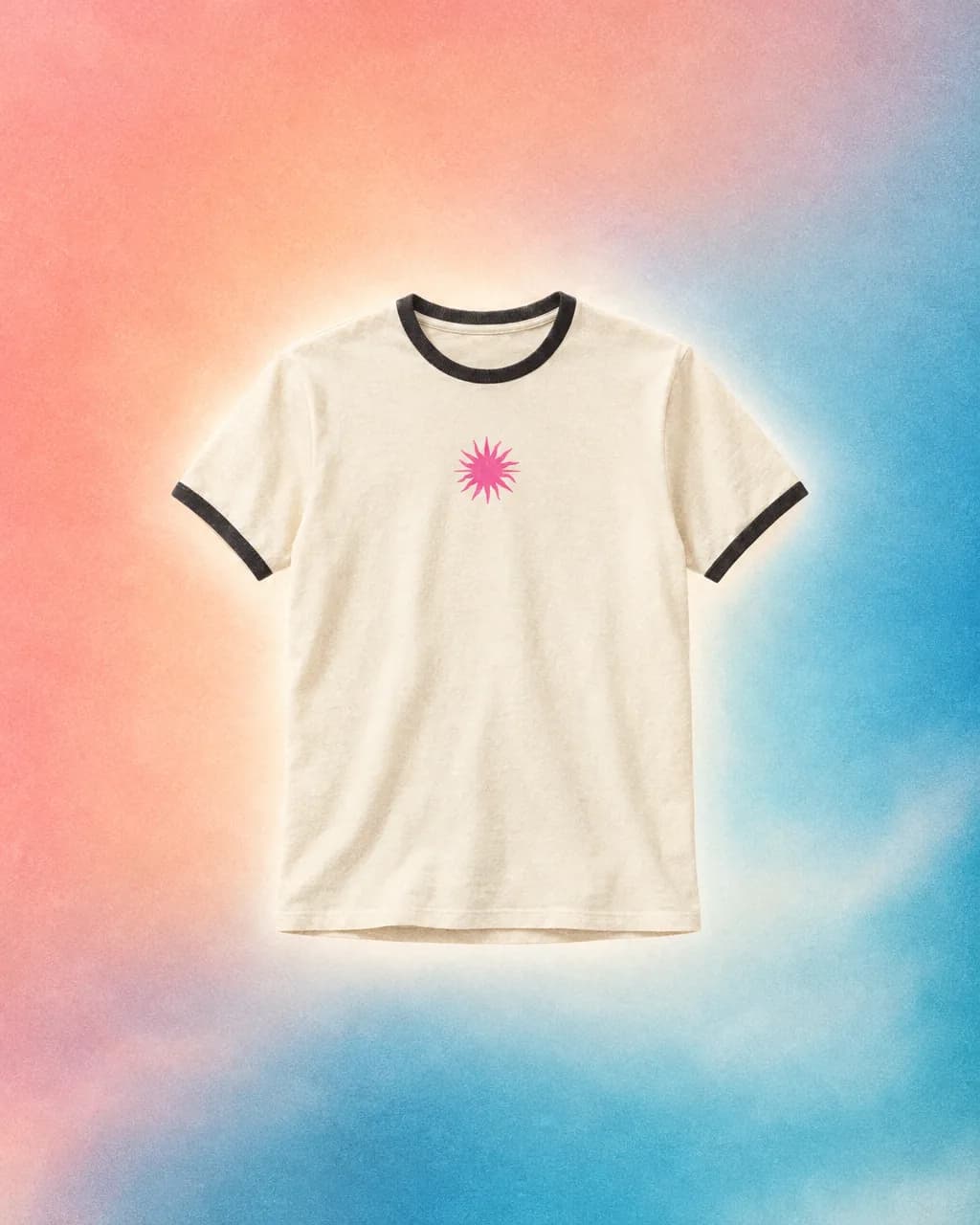
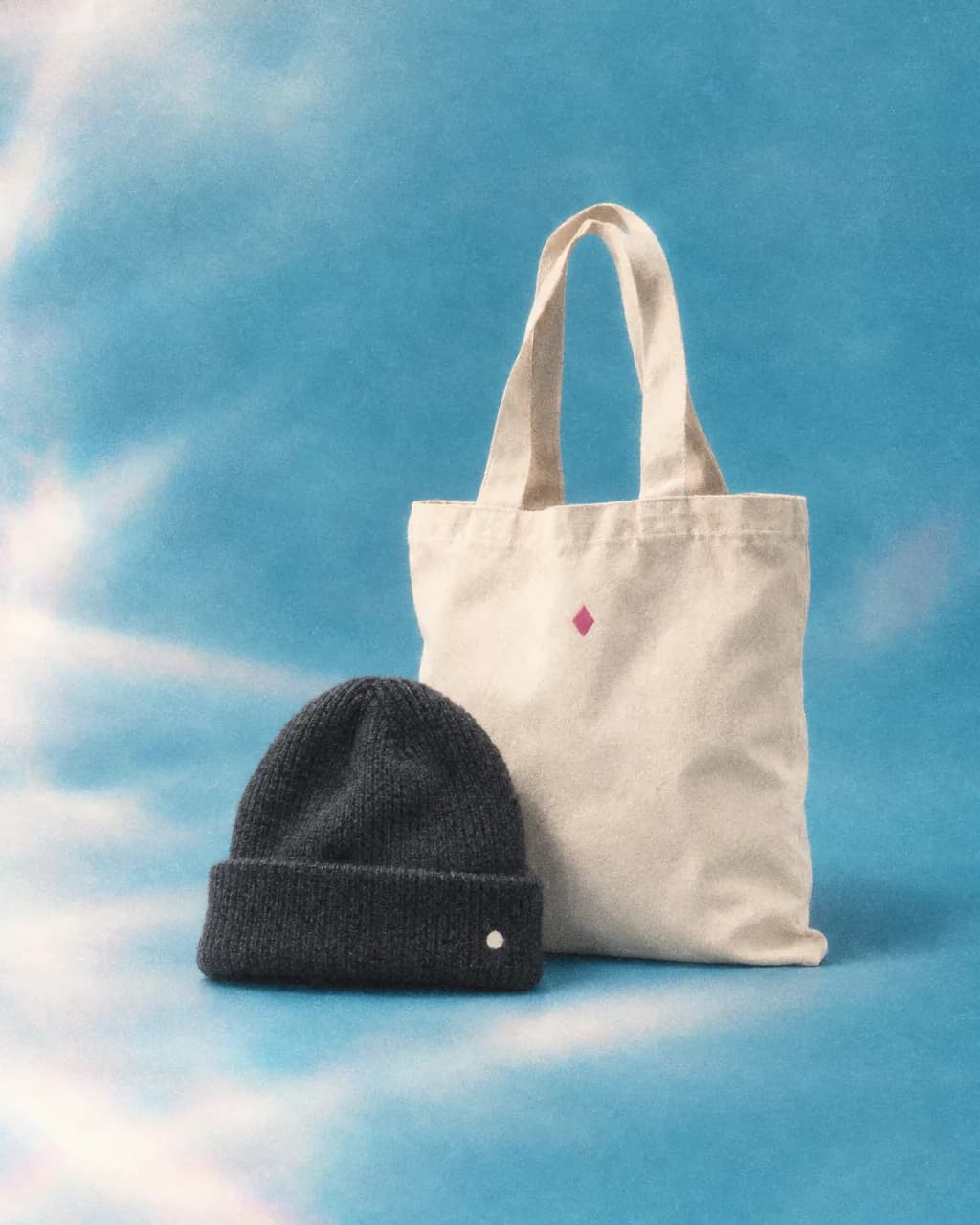
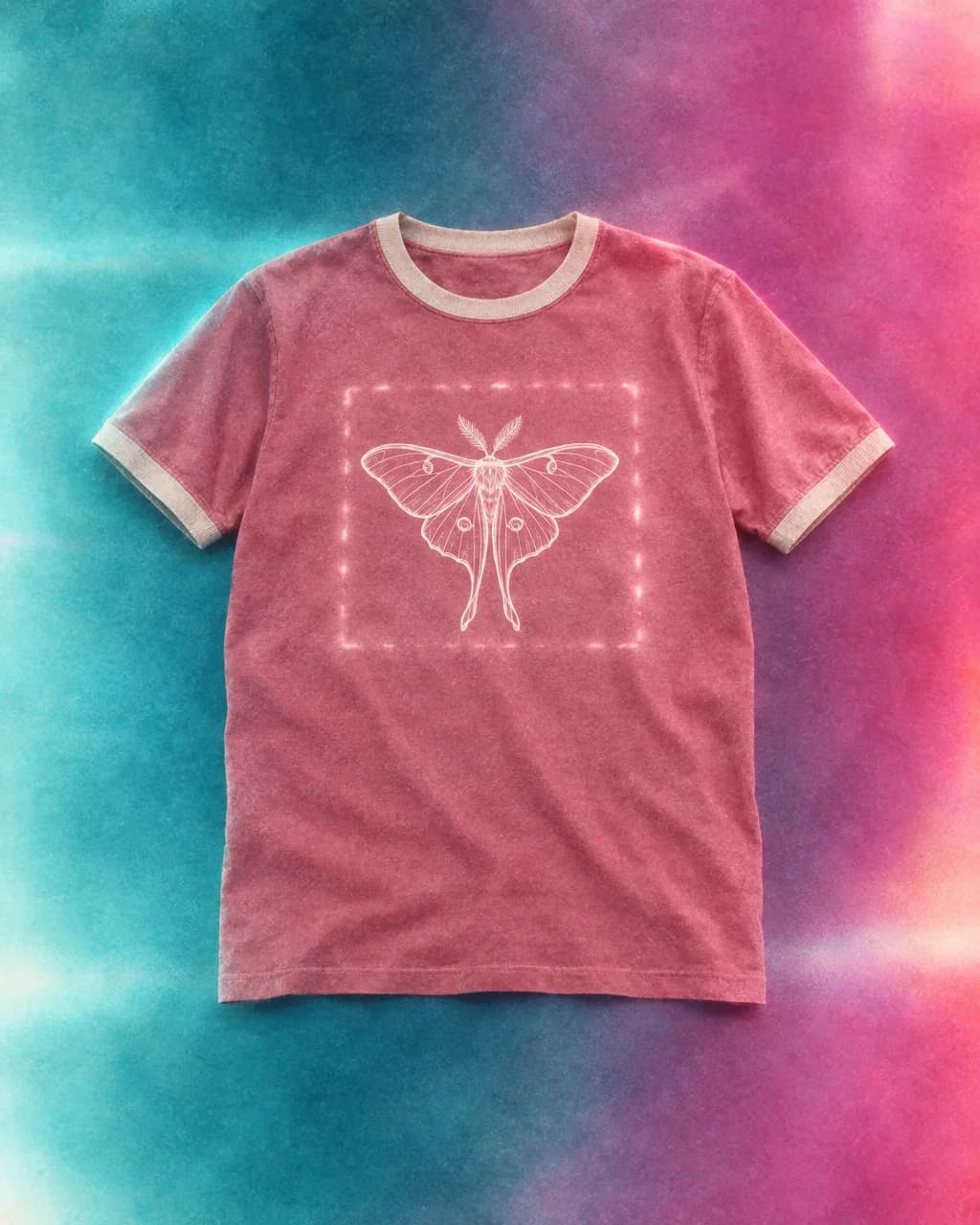
On the blank
You do not upload a PNG and hope a printer “figures it out.” Print area is already sized for production. Hats, stickers, totes, and the poster are single-side. Shirts, hoodies, and crewnecks have front and back. That is the difference between a graphics app and a print-on-demand merch app.
If the SKU is a tee, custom t-shirt design is this same step, shorter. Fleece is a different cost — check custom hoodies before you copy a tee price onto it.
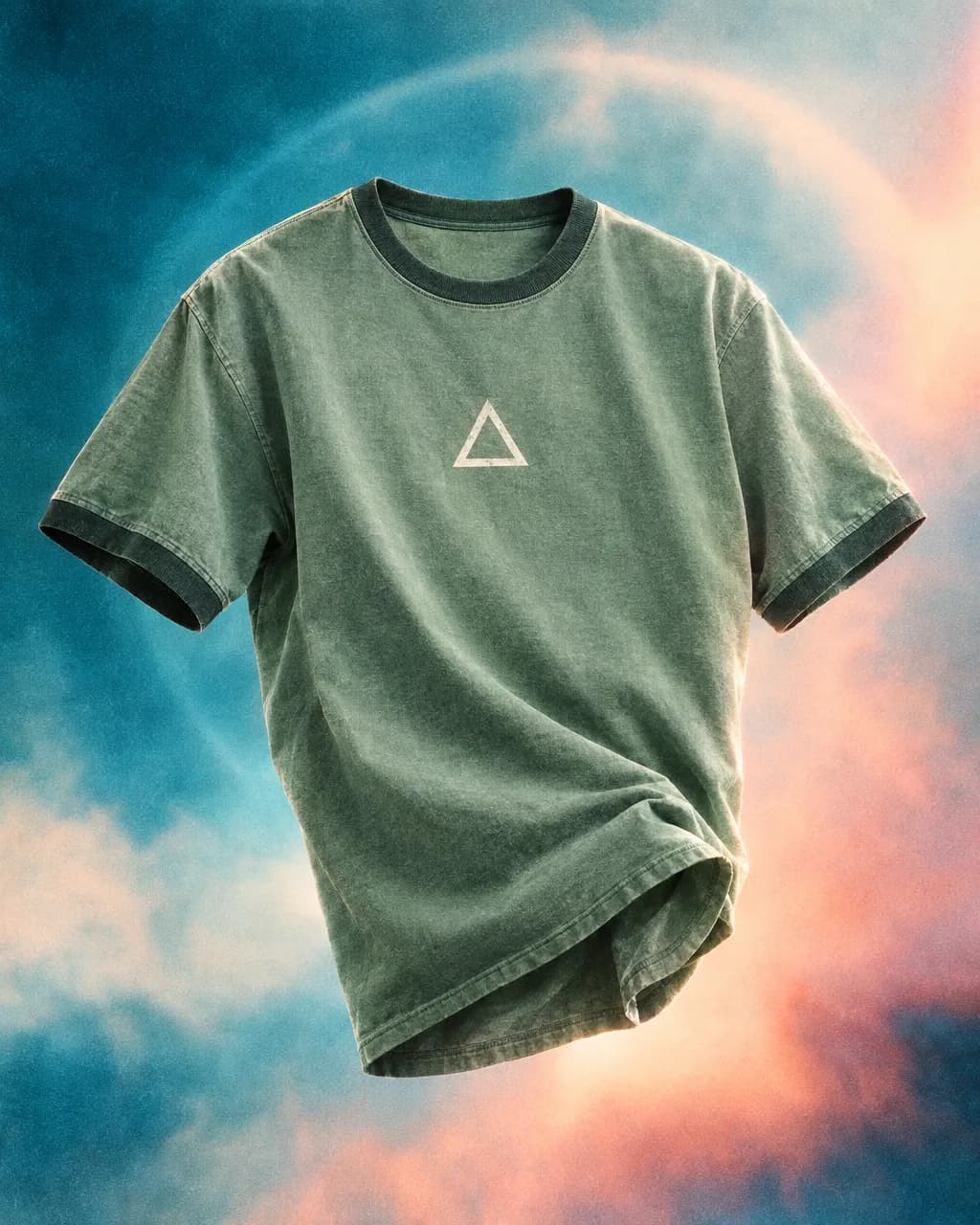
On the canvas
Move, scale, rotate, stack. Crop, erase, edit, background removal. Duplicate and delete sit on the canvas. Same-color edits save in place; a color change becomes a new product so the original listing stays intact. Creating the product does not trap you on a spinner — export starts in the background and you go to pricing.
Longer walkthrough: how to design and sell custom merch. Split versus a general graphics suite: MRCH vs Canva. Canva makes graphics. MRCH makes merch you can price and sell in the same product.
On the shop
No shop yet? Publish sends you to a name. The backend slugifies it; a taken name is a conflict. After that, products live on your MRCH store. Web payouts save a PayPal email (native can run PayPal OAuth the website cannot complete). There is no full orders inbox API on web today — counts and payout-oriented totals, not an OMS. That is an honest limit.
Catalog POD dashboards are a different job: vs Printful, vs Printify. Marketplace-shaped selling: vs Spring. Inventory-free case: print on demand without inventory.
The studio
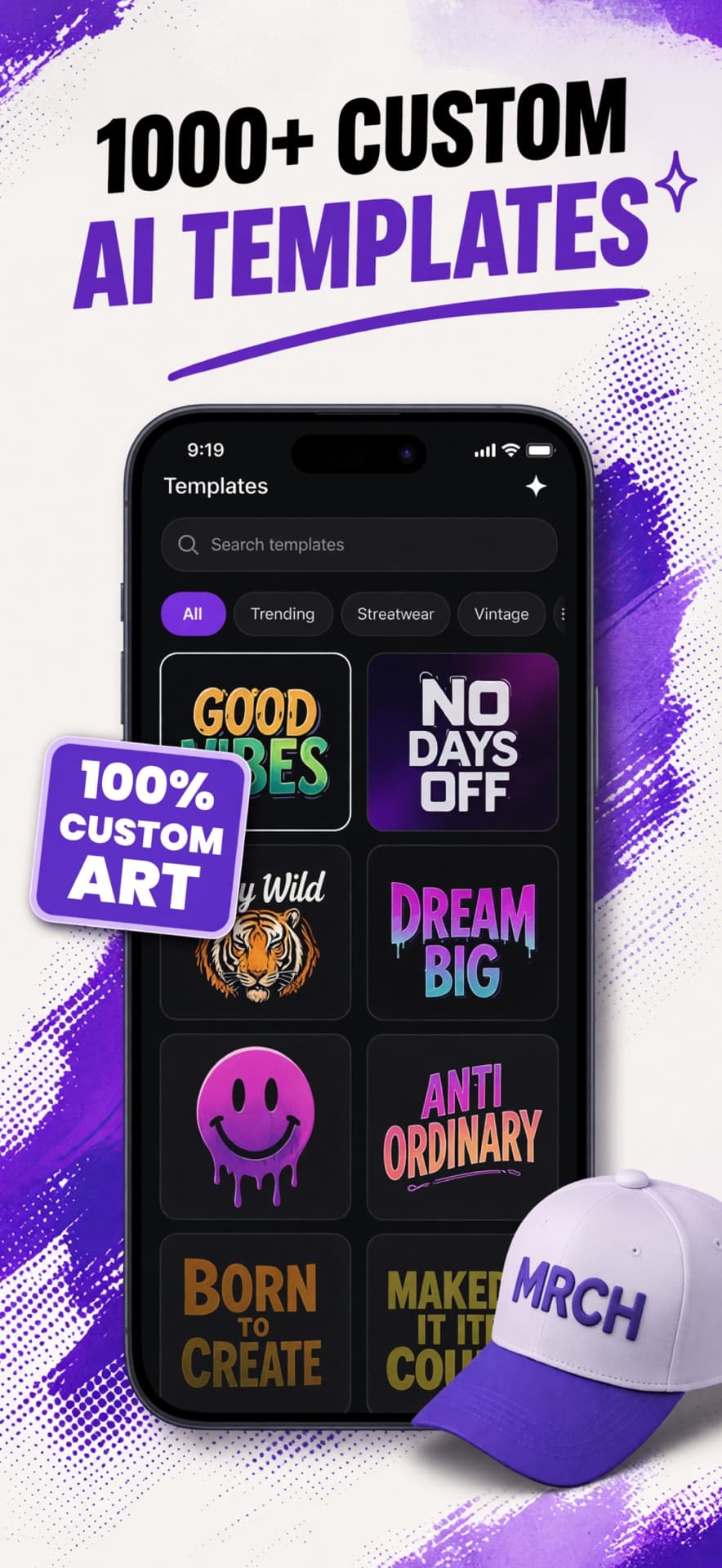
People, logos, type. Search and filter. A style opens a composer — prompt, optional text, face, scene, logo — then the first finished image lands on the blank.
Channel logo, overlay clip, a wordmark you already paid for. Skip generation. Place the file. MRCH is not claiming it replaces every illustrator.
Stack, duplicate, crop, erase, remove background. You can hang art outside the rectangle while you compose. Production still uses the print area.
What this is not
It does not require a sample before a customer can order — though wearing the garment yourself is reasonable. It does not promise a sales channel. Credits pay for generation. Fulfillment is print-on-demand after each order. Try a sample if you want fabric in hand: Buy Sample.
No warehouse
Nothing prints until it sells. Samples are optional. A size run in a closet is not the product.
Profit is not the sticker
You see production before publish. A company merch cut applies on fulfilled orders. Ugly margin means change the blank or the price.
Musicians: other app
MRCH is garments and a store. Logos, covers, and posters that match a release live on Backstage AI.
Pick a garment, generate or upload art, place it on the print area, set a price with production cost visible, then publish a live store. Print-on-demand fulfillment starts after someone buys. You do not hold inventory.
No. There is no warehouse and no minimum order. Each order prints after checkout.
Yes. The same merch flow runs on the iOS and Android apps and in the web app after you sign in.
No. Remainder is sale price minus production and platform costs. The app shows the math before you launch.
Free to install. Credits pay for generation. Fulfillment is print on demand after each order.