
MRCH/
By MRCH Editorial
AI T-Shirt Design for Creators
AI t-shirt design in MRCH: prompt or upload, place art on a real print area, then sell custom merch from a live print-on-demand store.
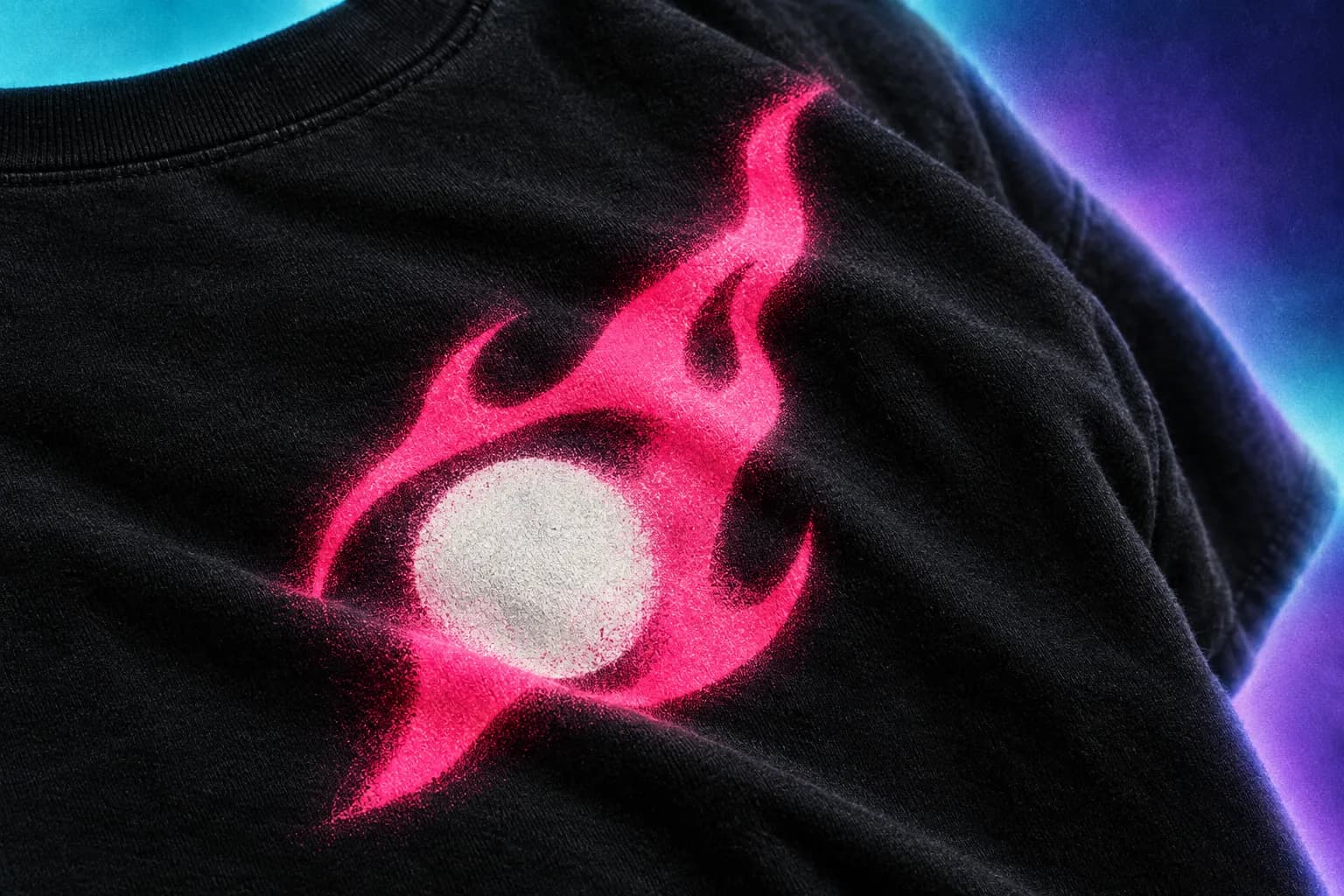
AI t-shirt design is using a model to generate print artwork, then placing that art on a garment you can actually sell. MRCH is an AI merch maker built for that loop: you generate, preview on a real tee, and design and sell merch from a live shop. It is not a filter that restyles a photo into a “shirt mockup” you cannot order.
Creators stall on the print, not on drawing a rectangle. A custom t-shirt design app has to treat the print area as the canvas. AI product design means the file stays on the listing. Print on demand means you are not buying a size run to find out if the joke lands.
What the model actually does
You give MRCH a style, a short prompt, optional text tokens, and optional references (a face, a scene, a logo). The AI merch maker runs generation and returns images. You place the result on the shirt’s print rectangle. The model does not know your merch margins, your trademark, or your size chart. You still choose the garment, the scale, and whether the art is yours to sell.
- Style: a look you pick so generations stay in one visual family.
- Prompt: subject + treatment, in that order.
- References: only when you need a specific face, logo, or scene to persist.
- Canvas: scale, position, front/back — this is the print, not a thumbnail.
Write prompts that survive a chest print
A prompt that describes a cinematic wide shot will fight a portrait print area. Describe one subject, one treatment, and the words that must appear. If the tee needs a name or a date, put the exact string in the prompt and then read it on the mockup. Models misspell. The canvas is where you catch that.
Do not pile on every adjective you know. Extra style words compete. If you need line art, say line art. If you need a logo lockup, start from a logo-oriented style or upload the logo instead of hoping a scene prompt becomes a clean vector.
Place the art like a printer will see it
Print areas are not Instagram squares. After generation, put the sticker on the tee, scale it so the important mass sits in the print rect, and keep type away from seams and wrap. Print quality is the fabric check: contrast, edges, and type that still reads at shirt scale. Front and back are separate designs. Duplicating a weak front onto the back does not make a product — it makes two copies of the same problem.
- Check contrast on light and dark garment colours before you lock a colourway.
- Crop or erase stray edges; do not hide them under a mockup shadow.
- Remove a background when the print should sit on the fabric, not in a white box.
- If text is the product, zoom until you can read it at shirt scale.
When to generate vs upload
Generate when you do not have the illustration yet. Upload when you already have a logo, a drawing, or a photo you have rights to. Mixing both is normal: generate a scene, then overlay a logo you uploaded. What you should not do is generate a fake logo that almost looks like a brand you do not own.
Canva and similar tools are strong at layouts you export. They are not a merch store. If your workflow is “design in Canva, then hunt for POD,” you still have a handoff. MRCH keeps the generated file on the product. See MRCH vs Canva for merch and AI merch vs image tools.
From a good image to a product you can sell
A finished generation is still only an image. Create the product, set the price against production cost, and publish to the shop. The sell path is the same as any other MRCH listing — covered in how to design and sell custom merch. AI does not skip pricing or the seller shop.
If the image is interesting but unreadable at print size, regenerate with a simpler subject. Editing tools can clean edges; they cannot add a concept the prompt never stated. Treat generation as cheap iteration and the published product as the thing you will be asked to reprint.
Rights and taste — the part the model will not do
You are the seller. Do not generate likenesses or logos you cannot license. Do not publish a design that only works because it looks like someone else’s drop. AI output is a starting file. The listing is your product, with your name on the shop.
- Reject anything that depends on a trademark you do not own.
- Keep a copy of the prompt and source images for your own records.
- If a client supplied a face or logo, use their file via upload, not a guessed recreation.
Start with one tee, one idea, and one print. Open https://www.sellmerch.ai, generate onto a shirt template, and do not leave the canvas until you can read the design on the mockup. Same app on the App Store and Google Play. That is AI t-shirt design for creators: a print-ready file on a garment you can sell, not a gallery of unused images.
FAQ
Is AI t-shirt design just a mockup filter? Not in MRCH. You generate or upload, place the file on a real print rectangle, then publish a listing. A restyled photo you cannot order is not a product.
How is this different from a general image generator? Image tools stop at a PNG. AI product design has to cash out: garment, price, shop, print after the sale. See AI merch vs image tools.
Should I generate or upload? Generate when you do not have the illustration. Upload a logo, drawing, or photo you have the right to sell. Mixing both is normal.
Why does the art look worse on a shirt than on my phone? Print areas are not Instagram squares. Print quality: high-contrast logos survive fabric; hairline noise does not.
MRCH
Design it. Price it. Publish.
Continue on AI product design — generate art, set a price, and publish a store.