How do I get better print quality on merch?
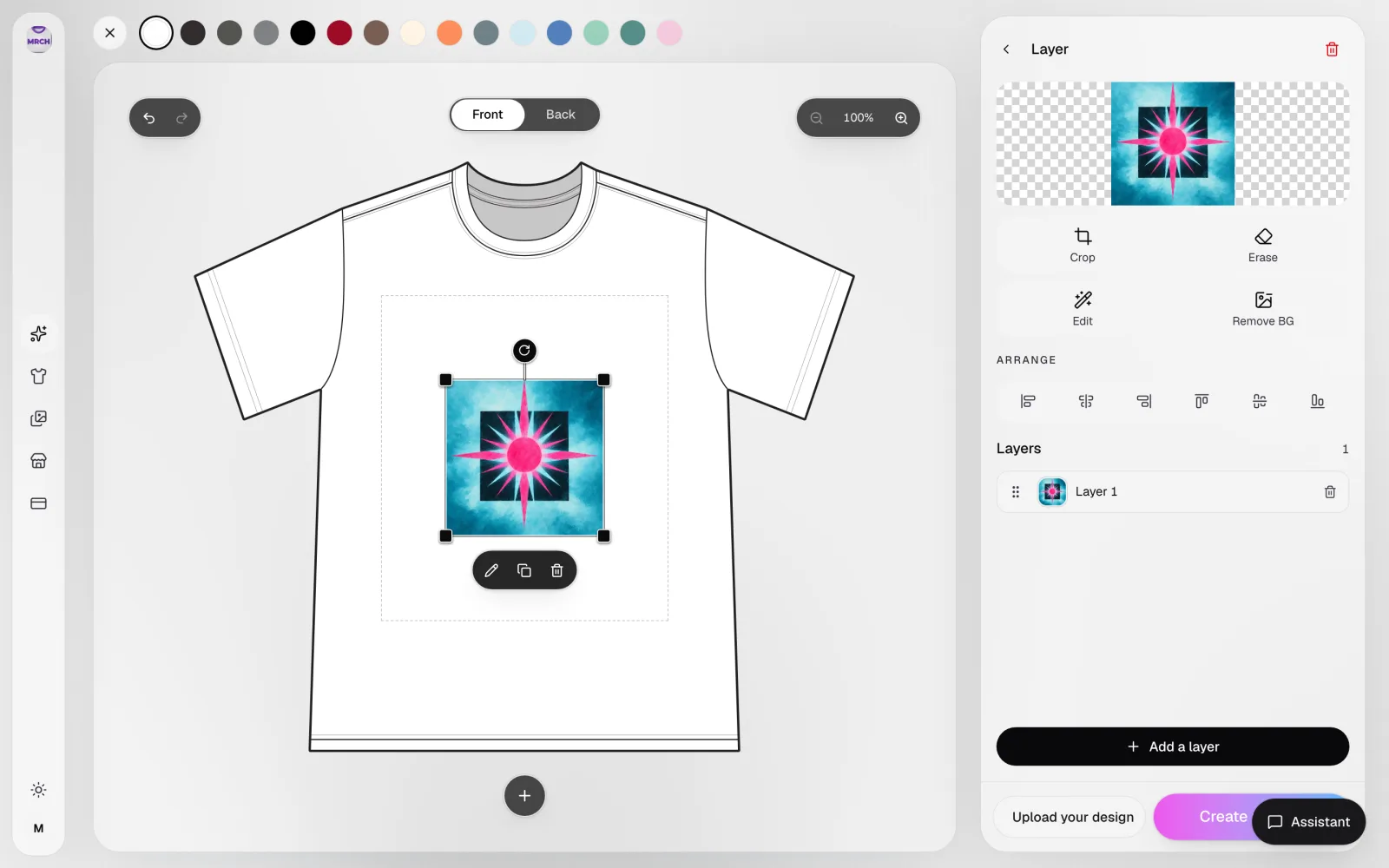
Compose for the print rectangle, use high-contrast art, preview on the real blank, and clean edges with crop, erase, and background removal before you publish.

What quality actually means here
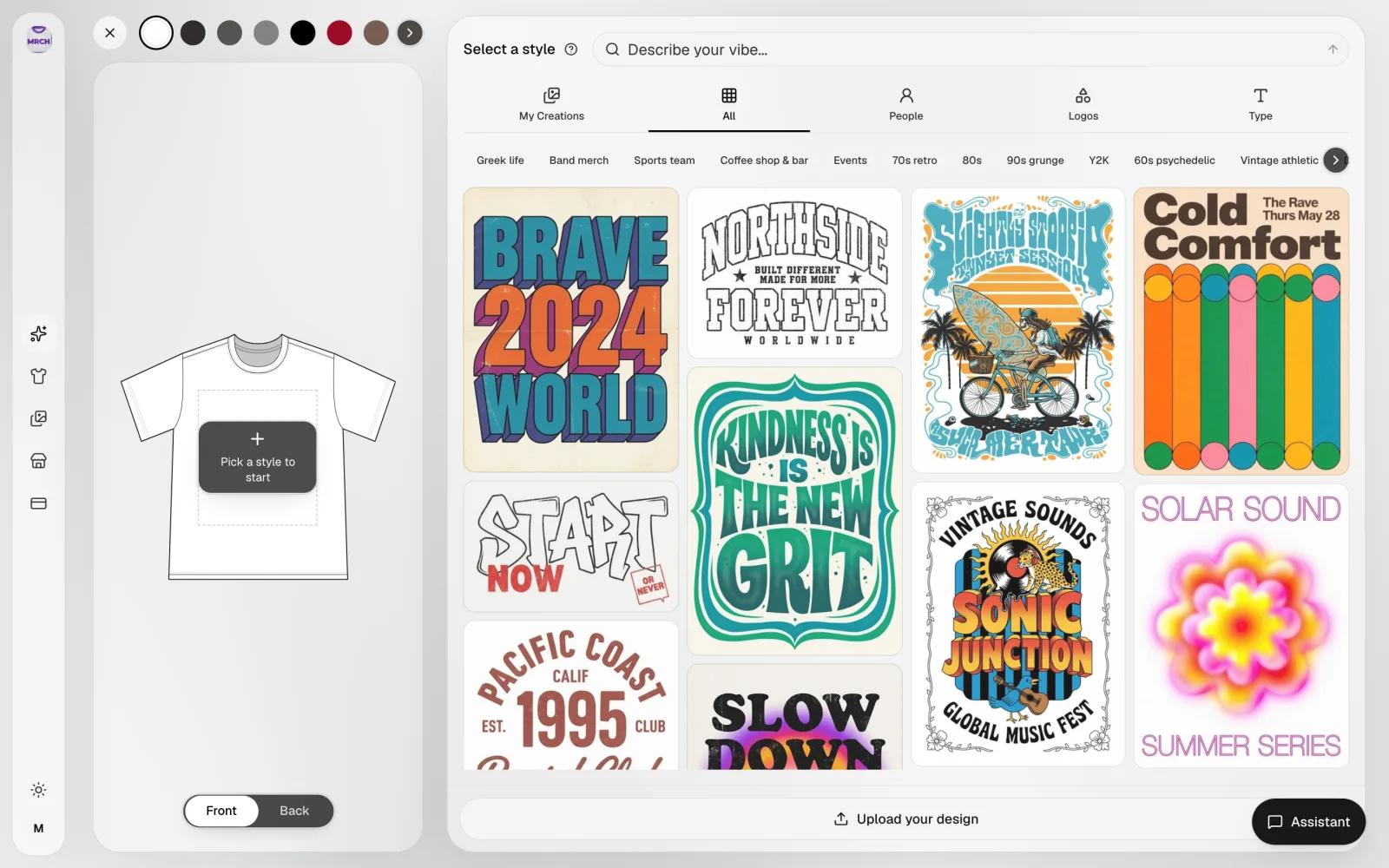
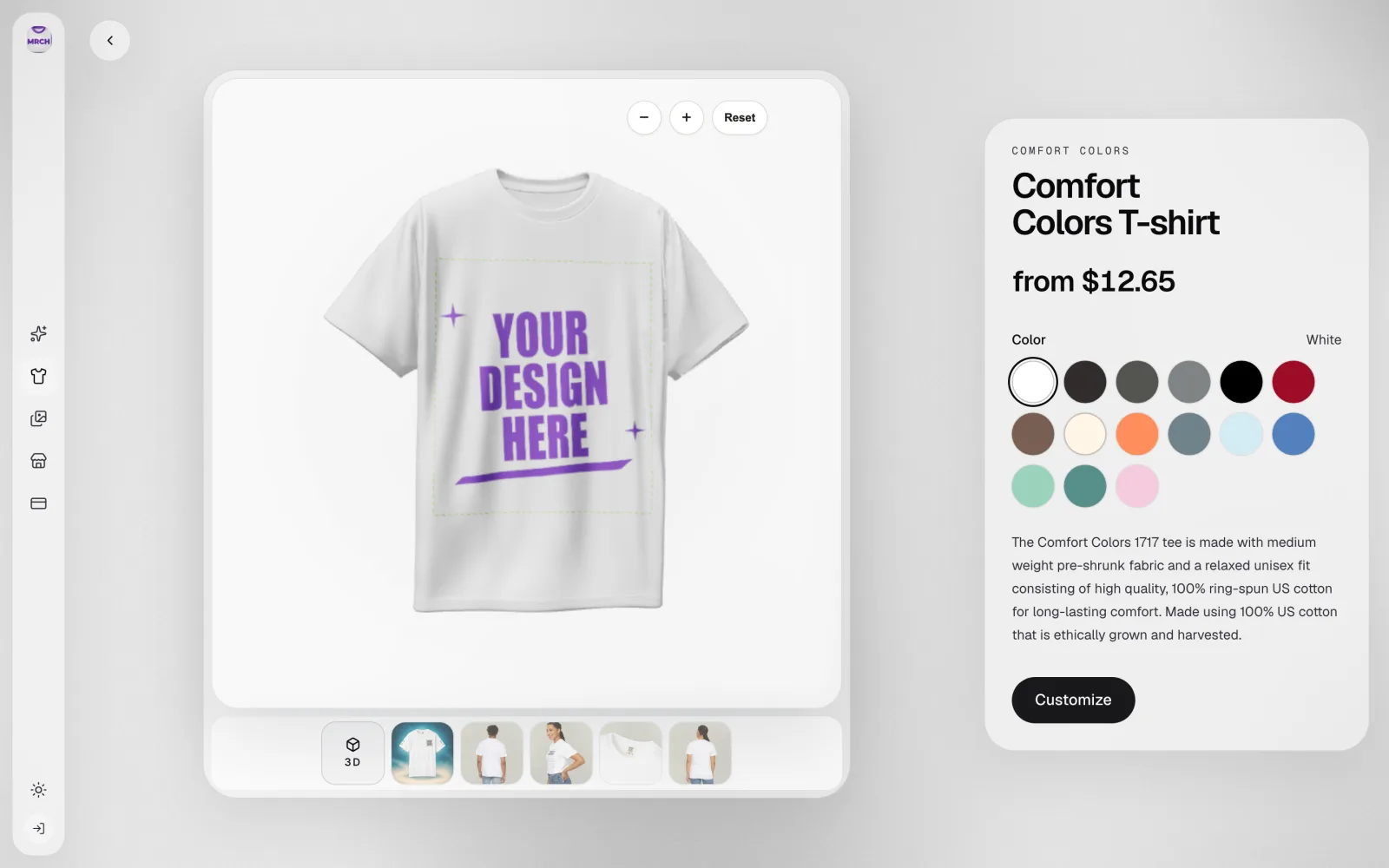
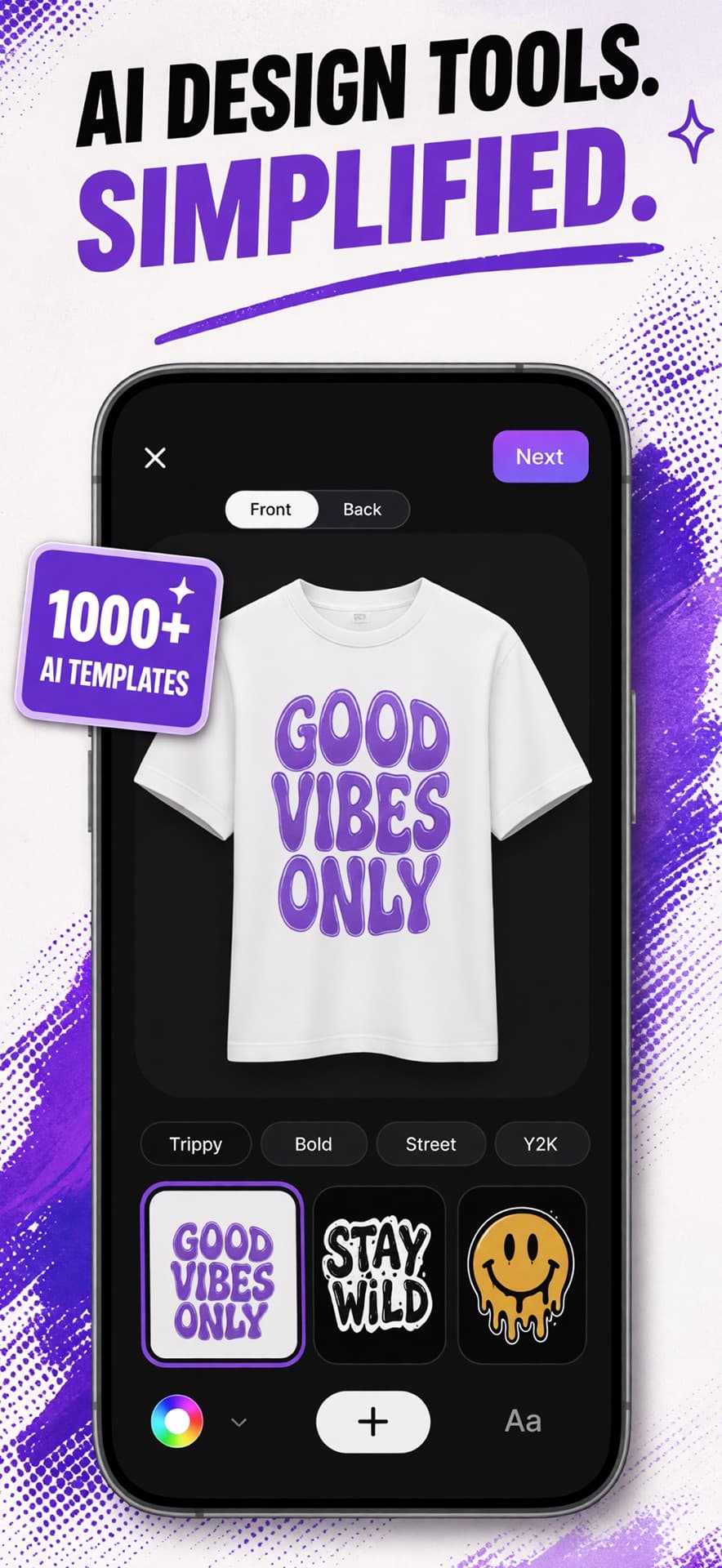
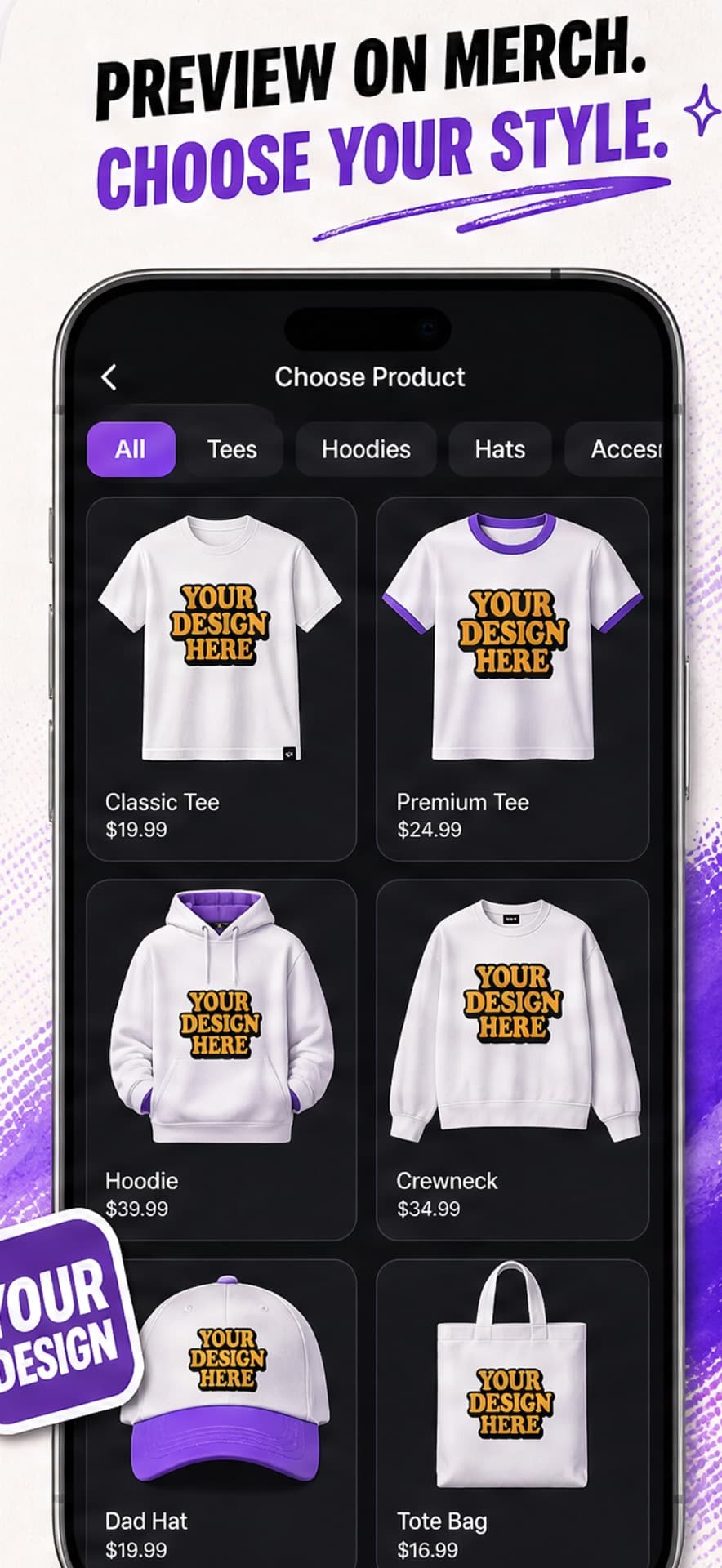
You preview on the product. Fine detail that sparkles at 4x zoom can die on a chest print. Check it on the blank.
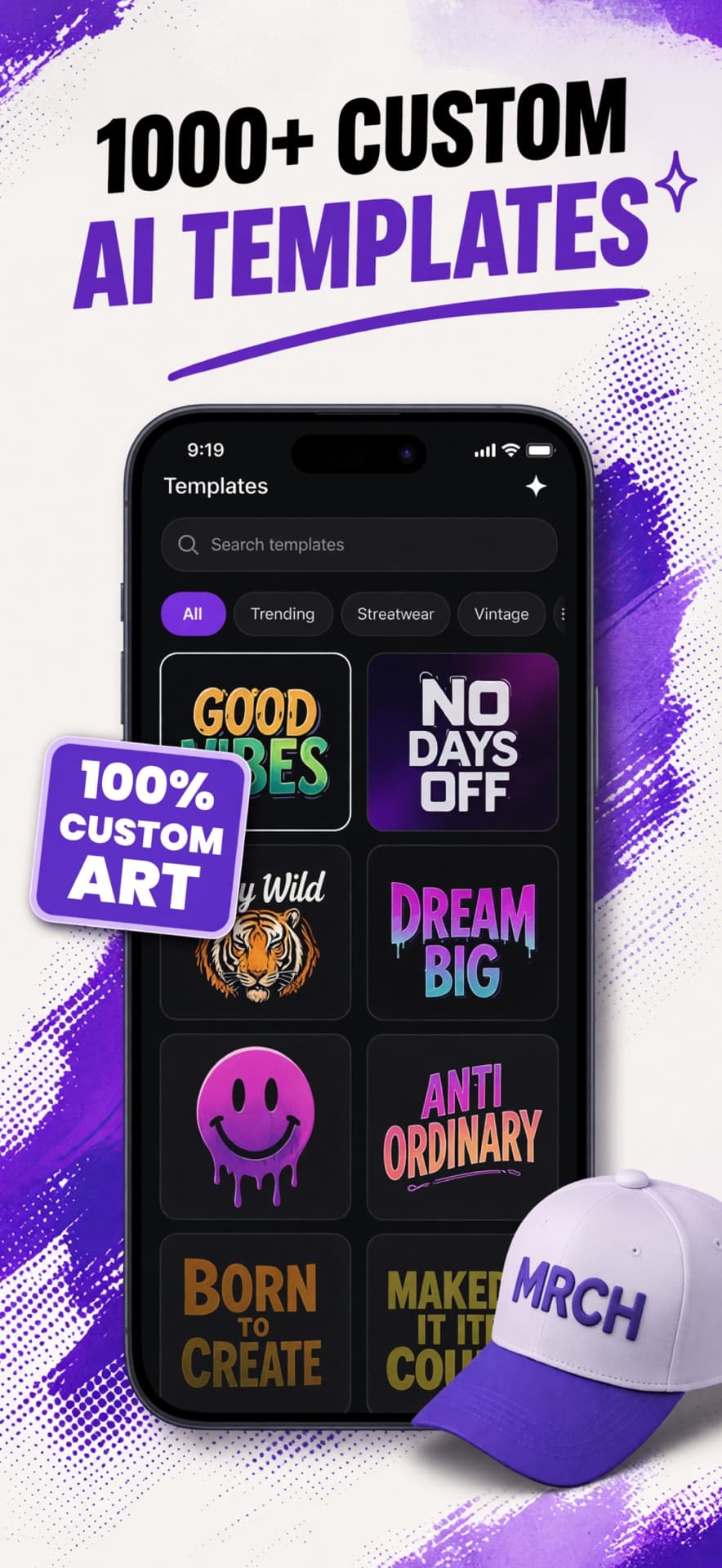
Ink sits on cloth. High-contrast logos and type beat hairline noise. If it only works as a story filter, it is not merch yet.
Important faces and words off the edge get clipped. Scale for the print area, not for the mockup glow.
Before you hit publish
Look at the whole garment, not the sticker in isolation. Front and back are separate designs.
Kill empty margins that shrink the art. Kill the junk at the edge that will print as a halo.
A generated rectangle around the subject looks like a sticker on a screenshot. Remove it.
Production starts after checkout. You are not picking among a grid of mystery factories in a dashboard.
What this is not
Fulfillment is in the app
MRCH handles production after the order. If supplier shopping is the job, a catalog network is a different product.
Print after it sells
Nothing is made to sit in a closet. That is the cleanest version of merch ops: demand first.
Ships after checkout
Orders print and ship when they exist. You share the store. You do not become a warehouse manager.
Compose for the print rectangle, use high-contrast art, preview on the real blank, and clean edges with crop, erase, and background removal before you publish.
No. Production is handled in-app after each order. Printify-style provider shopping is a different model — see MRCH vs Printify.
If you need to feel the garment, yes. It is not required to open the shop. Most listings can go live from the preview.
When you place it like a printer. Tiny textures and busy backgrounds fail. Strong subjects and type survive.
Open MRCH, place the art on a real blank, and publish a live store. Free to install — iOS, Android, and web.