
MRCH/
By MRCH Editorial
Best app to sell merch: a criteria-led guide
The best merch app depends on the job: create or bring art, control the garment, pick a hosted or connected shop, then print on demand. Criteria, not a scored ranking.
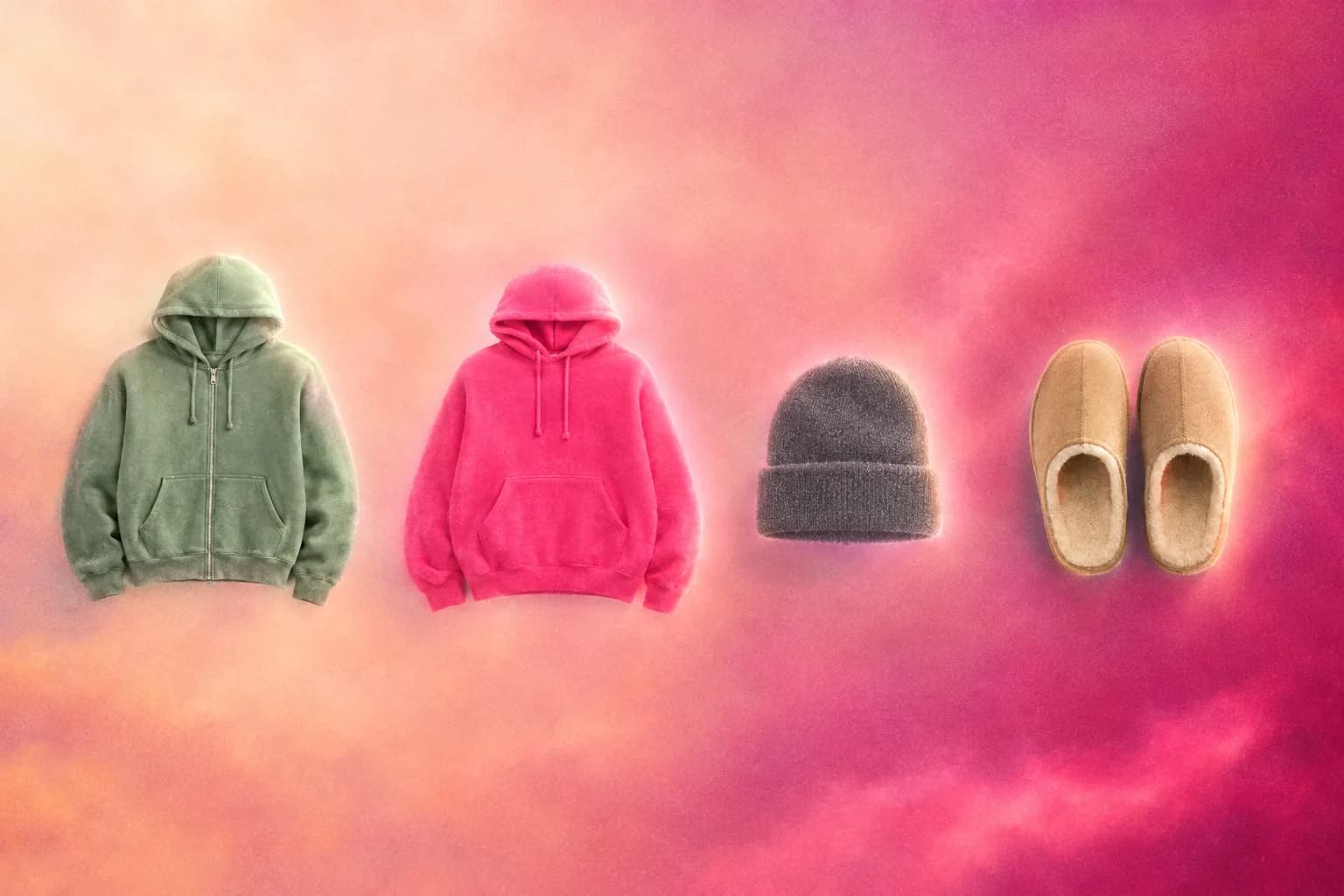
The best app to design and sell merch depends on the workflow you need to finish: art, pricing, fulfillment, and a live store. MRCH is built as an AI merch maker plus print on demand on iPhone, Android, and web. It is not the only product that combines creation tools with a shop. This article is a criteria list. It is not a ranking of every catalog on the internet, and it does not invent star scores.
“Best” is “best for this job.” If you already have a Shopify theme and only need a print partner, a catalog dashboard can be the right fit. If you still have to make the art, pick a garment, and open a shop, you want a merch store app — not a warehouse login plus a separate design tool plus a third checkout. Start for $0 is the inventory test: can you list before you buy a run?
The job a merch app must finish
Selling merch is four jobs that usually live in four products: make art, apply it to a garment, take payment, fulfill the order. An app that only does mockups leaves you to find a store. An app that only does fulfillment leaves you to find art. The test is whether you can go from idea to a URL a buyer can open without exporting a PNG into another account.
- Design on the device you already use, including a real print-area preview.
- A live store you publish — not only a file you email to a printer.
- Visible [REDACTED] cost before you set the public price.
- Fulfillment after the order, so you are not holding stock.
| If this is the job | Often a better starting point |
|---|---|
| Make or place art, then publish a shop without standing up a separate store first | MRCH, or Amaze as another AI-plus-shop option |
| Use a large catalog inside a store you already operate | Printful, or Printify’s catalog/integration path |
| Need a Printify URL without Shopify first | Printify Pop-Up Store (printify.me or an optional custom domain) |
| Need marketplace discovery more than a shop you brand | A marketplace-style listing model — a different job than an app storefront |
Create art versus bring your own
A drawing app is not a merch app. Canva makes graphics; it does not run your store. AI product design in MRCH means the generated file stays on the product you publish. See MRCH vs Canva for merch if you are coming from a general design canvas, or AI merch vs image tools if you are coming from a generator that stops at a PNG.
Amaze Commerce also markets AI generation, uploads, branded campaigns, and launching a storefront. MRCH is not the only AI-plus-shop option. Compare garment-first canvas control, whether costs are visible in-app, and whether you need a mobile creator workflow — not whether anyone else “uses AI.”
On-device design matters because merch ideas show up between other work. If the only way to mock a tee is a desktop browser with a catalog SKU, you will delay the drop. Phone-first is not a slogan here — it is whether you can finish a listing on the same device you use to talk to fans.
Garment and layout control
Art that looks sharp as a square file can fail on a chest print: scale, contrast, seams, and background all change on the blank. A merch app should let you place the file on the actual garment preview. Catalog dashboards can do that too once you have a file; the difference is whether you also have to leave the tool to make the file and to open checkout.
Hosted shop versus a connected store
To sell merch online you need a checkout a stranger can complete. MRCH publishes a live shop under your seller name. Catalog POD platforms such as Printful and Printify often connect to a store you already operate; Printify also offers a hosted Pop-Up Store if you need a URL without Shopify first. A marketplace listing is a different shape: you list into their world (the former Spring / Teespring model). Compare MRCH vs Printful if a catalog-into-Shopify job is your starting point — do not treat that comparison page as Printify documentation.
A live store also means you see the shop as the public surface: products, a share link, payout connection. You do not get an orders API as a substitute for a storefront. If you need a custom theme and a full CMS, you are shopping for a website, not a merch app.
Costs, support, and what to verify
Pricing without cost is guessing. MRCH shows [REDACTED] cost when you set the sale price so the margin is visible before launch. Sketch it on the profit calculator if you want a feel for blanks; confirm the live number in the app. That calculator is not a forecast of revenue, and any homepage dollar pair is illustration only. It is the unit math: price minus what it costs to make that item. Apps that hide cost until after you sync a catalog force you to reverse-engineer margin in a spreadsheet.
Payouts are a separate step. On web, MRCH saves a PayPal email for payouts. Connect that before you treat the shop as open for business. Do not confuse “I published a product” with “I can receive money.” Immediate publish success is not proof a listing is live.
Support for MRCH is info@backstageai.com. Verify current costs, payout setup, and public availability in the product — this page does not publish fee percents or a timed create-to-listing walkthrough.
Fulfillment: no inventory is a requirement
If you have to buy a run of shirts to start, you are not using print-on-demand. The print on demand path manufactures after the order. No minimums is the quantity rule: one size is a real checkout. That is the only model that matches a creator who does not want a closet of unsold sizes. Details are in print on demand without inventory.
Fulfillment quality is still on you at the file level. Bad contrast, tiny type, and art sitting on a seam will print that way. The app cannot rescue a file you did not preview on the garment.
How to decide in one sitting
Use this sequence. Stop when a product fails a step — that product is not the merch app for this job.
- Can you create or place artwork on a real garment preview without another design suite?
- Can you set a price and see [REDACTED] cost on the same screen?
- Can you publish a shop URL without standing up Shopify, Etsy, or a custom site first — or is a hosted Pop-Up / AI-plus-shop path available if you do not already have checkout?
- Does an order print and ship without you buying stock?
- Is the app on the phone you carry, not only on a desktop catalog?
If those answers are yes, you are looking at an app in the same job as MRCH — including Amaze as another AI-plus-shop option, or Printify Pop-Up if you mainly need a hosted URL and already have art. If you already run Shopify and only need print plus a blank library, a catalog partner is often the better fit. Open https://www.sellmerch.ai/home to try one MRCH product against the list, or get MRCH on the App Store and Google Play. Musicians who also need album covers and tour posters should evaluate Backstage AI — same company, musician-first studio on iOS and Android, not a Backstage web editor — rather than forcing a generic merch tool to be a visual identity system.
For the platform-by-platform differences, read MRCH vs print-on-demand platforms. For the design-to-publish walkthrough, read how to design and sell custom merch.
Sources
- Printify Pop-Up Store — Official docs (checked 2026-09-18). Hosted store on printify.me or an optional custom domain; Shopify is optional, not required.
- Amaze Commerce — Official homepage (checked 2026-09-18). Markets AI generate, upload, campaigns, and publish-to-sell.
Writer refresh 2026-09-19 from W01 allowlist and W02/claims-review official pages. Not sourced from /compare/printify. Hands-on competitor tests not run. Draft for W16; this is not publication approval.
FAQ
Which is the best app to sell merch? The one that finishes the job you actually have — design or upload, price, a URL a buyer can open, and print on demand. This page is a job checklist, not a ranked table or invented scores.
Is MRCH a merch store app or just an AI image tool? A merch store app. Generation is attached to a garment you publish. Image suites that stop at a PNG are a different job — AI product design. Amaze is another AI-plus-shop option: it markets AI generation, uploads, campaigns, and a storefront. Compare on workflow and fit, not on being the only AI-plus-shop product.
Do I need Shopify first? Not for MRCH. You publish a seller shop in the app. Catalog POD platforms such as Printful and Printify often connect to a store you already operate; Printify also offers a hosted Pop-Up Store if you need a URL without Shopify first.
Does the app require a minimum order? No. No minimums: one size is a real checkout. Printing starts after the sale.
MRCH
Design it. Price it. Publish.
Continue on AI product design — generate art, set a price, and publish a store.