
MRCH/
By MRCH Editorial
Best AI Tools for Merch Design in 2026
What to look for in an AI merch maker in 2026: garment preview, a live store, and honest production cost — not a ranked list of scores.
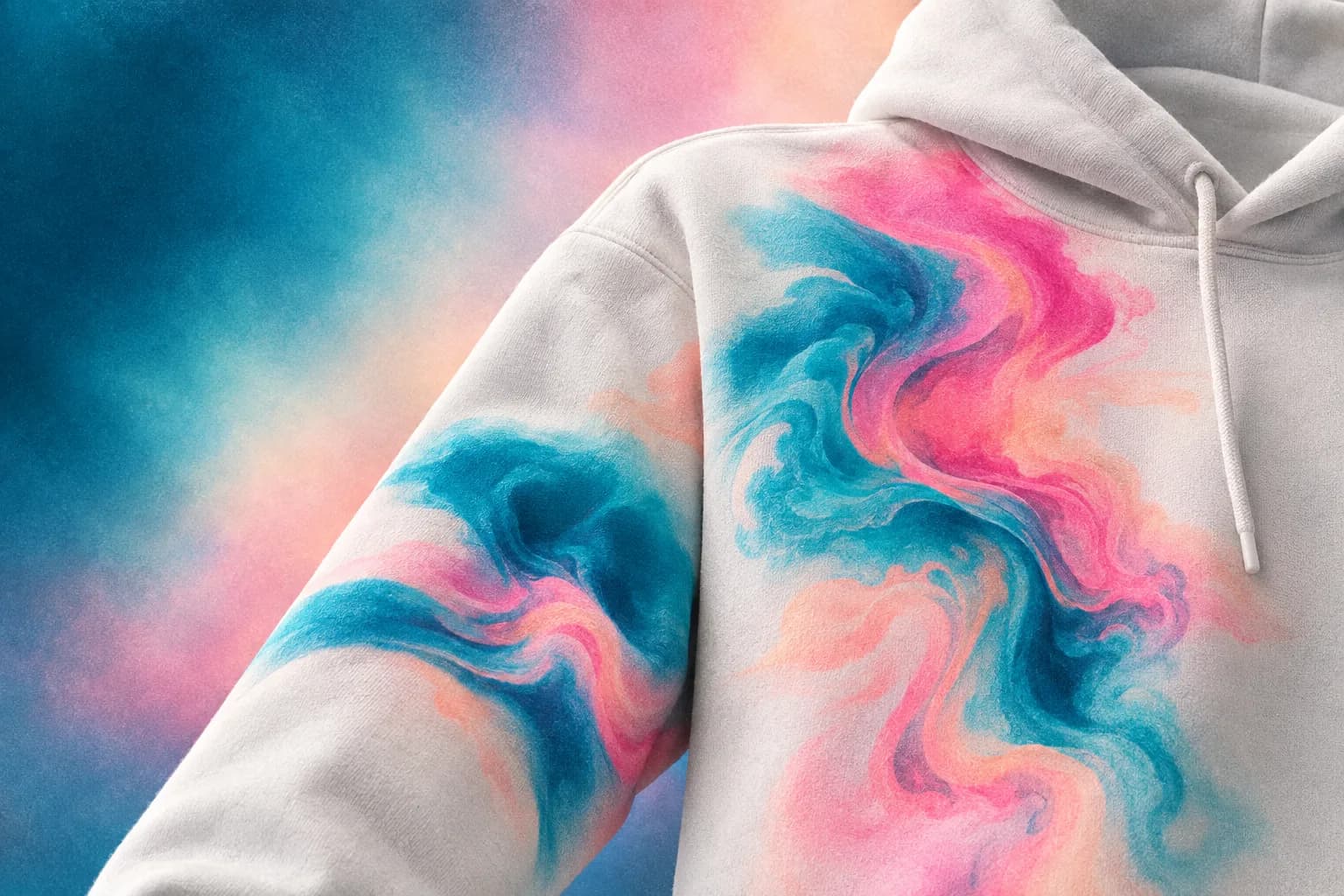
The best AI tool for merch design in 2026 is the one that finishes a printable product, not the one with the longest model list. MRCH is an AI merch maker: you generate artwork, preview it on a real garment, set a price against production cost, and design and sell merch from a live store. This article is a criteria list. It is not a scored ranking, and it does not invent star ratings.
“AI merch” is used for three different jobs: image generators that output a PNG, layout tools that mock a shirt, and merch apps that sell custom merch with print on demand. Mixing those jobs is how people end up with a folder of unused images and no checkout. AI product design is the job that has to cash out. Pick the tool for the step you still have to finish.
The job, not the model name
A merch design tool has to land art on a print area. A general image model can draw a dragon. It does not know your chest rectangle, garment colour, or production cost. If you still have to export, open a catalog, upload a file, and stand up a store, you did not buy a merch tool — you bought a generator.
- Generation or upload that becomes the product file, not a detached gallery.
- A real print-area preview on the garment you will sell.
- A price screen that shows production cost before publish.
- A live shop URL — or a honest admission that you must bring Shopify, Etsy, or another store.
Canva: strong layouts, not a merch store
Canva is a graphics canvas. It is good at layouts, type, and exports. It does not run your merch shop. If your workflow is “design in Canva, then hunt for print-on-demand,” you still have a handoff: file, catalog SKU, store, price. See MRCH vs Canva for merch. Use Canva when the job is a poster or a thumbnail. Do not expect it to be a merch store app.
AI features inside a general design suite still produce graphics. The merch-specific work — print rect, mockup on the actual blank, listing, fulfillment — stays somewhere else unless the product is built for that loop.
Printful and Printify: catalogs you connect
Printful and Printify are primarily catalogs and fulfillment dashboards. You typically bring a store and often bring the art. They can be the right object if you already operate Shopify and have a designer. They are not an AI merch studio with a built-in shop. Compare MRCH vs Printful and MRCH vs Printify against that job, and read MRCH vs print-on-demand platforms for the catalog-versus-app split.
Some catalog dashboards now include design helpers or mockup generators. That does not collapse the architecture: you still usually wire checkout elsewhere. If you do not have a store, start from an app that publishes one.
Standalone image models
A chat or web UI that generates images is useful for exploration. It is a weak merch tool by itself. You will still crop for print, check contrast on fabric (print quality), and find a place to sell. Treat those outputs as references or starting files. In MRCH, generation is attached to the garment you publish — see AI t-shirt design for creators and AI merch vs image tools.
Do not paste a trademarked character into a public model and call it a merch line. You are the seller. Rights do not become yours because a model drew them.
What MRCH is built to do
MRCH generates merch artwork (styles, prompts, uploads, prior creations), places it on the print area, and keeps that file on the product you price and publish. It runs on iPhone, Android, and web. AI generation uses credits; packs and subscriptions are shown at checkout because those numbers can change. That is the product, not a claim that every generator on the internet is worse.
If you already have a full commerce stack and only need a printer, a catalog may fit. If you still need the art, the garment preview, and the shop, you want an AI merch maker that sells. The broader app checklist is best app to sell merch.
How to decide in one sitting
Use the list below. A tool that fails a step is not “worse” in the abstract — it is the wrong tool for this job.
- Can you generate or place art on a print-area mockup without a second design suite?
- Can you set a sale price and see production cost on the same product?
- Can a buyer check out without you standing up a separate store first?
- Does an order print after the sale, so you are not holding stock?
- Can you finish that loop on the phone you already use to talk to people?
If those answers matter, open https://www.sellmerch.ai and run one product through the list. MRCH on the App Store and Google Play. Musicians who also need album covers, logos, and tour posters should evaluate Backstage AI — same company, musician-first studio — rather than forcing a generic merch generator to be a visual identity system.
FAQ
What is the best AI tool for merch design in 2026? The one that finishes a printable product with a shop URL — not the longest model list. This page is a criteria list. It is not a scored ranking.
Is a general image generator enough? For exploration, yes. For merch, no. AI product design has to land on a blank and cash out. AI merch vs image tools.
Where does Canva fit? Layouts and exports. Not a merch store. MRCH vs Canva.
Does the art need to survive fabric? Yes. Print quality: high-contrast logos beat hairline noise that only works at 4x zoom.
MRCH
Design it. Price it. Publish.
Continue on AI product design — generate art, set a price, and publish a store.