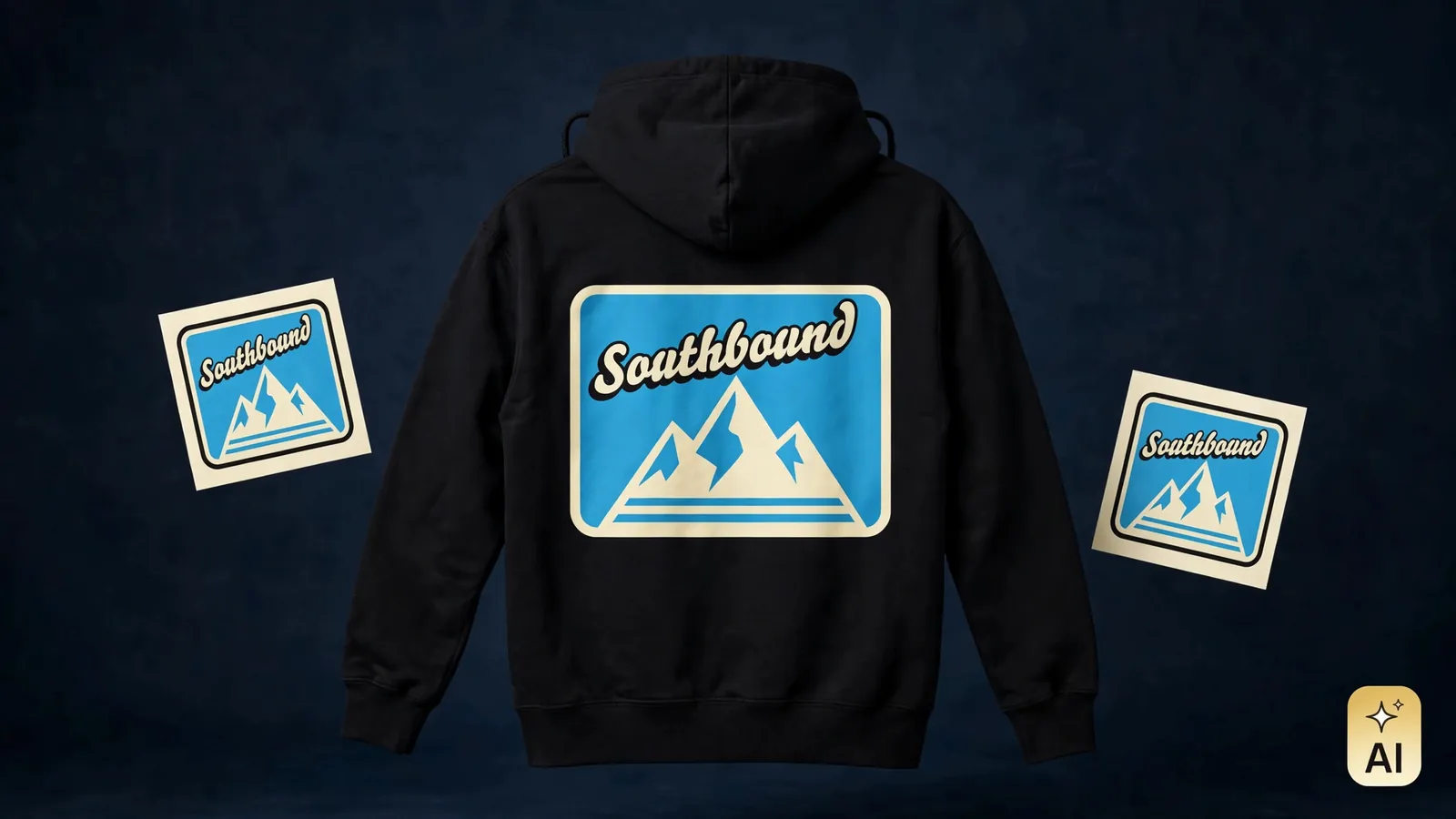
Design the hoodie. Sell the hoodie.
Got a hoodie idea? MRCH turns it into a real listing. Generate or upload the art, preview it on the actual pullover or crewneck, set a price next to its cost, and publish. Every order prints after it sells.
Design my hoodieFree to install · iOS, Android, and web
- Phone-first studio
- Design on iOS, Android, and the web. Same blanks, same shop.
- Prints after checkout
- Print-on-demand fulfillment. Nothing is made until it is sold.
- No minimums
- One hoodie in one size is a real order. No size run to fund.
- Margin up front
- Production cost sits beside your price before anything goes live.
No design software to learn
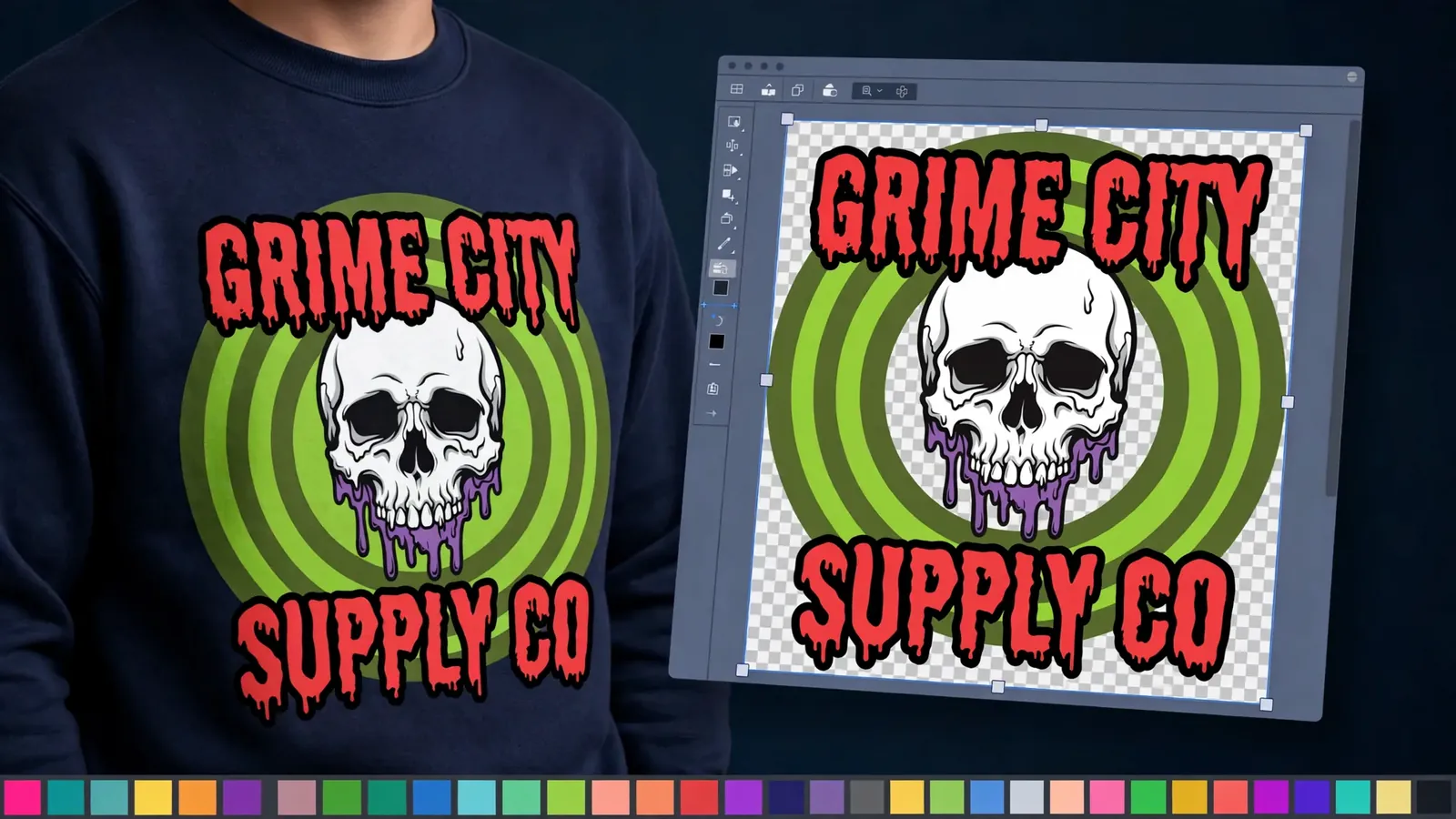
You do not need to know layers panels or export settings. MRCH opens on the garment itself: pick the pullover or the crewneck, then generate art from a short prompt or upload a file you already own. Move it, scale it, and tune the colors until the chest print sits exactly where a printer would put it.
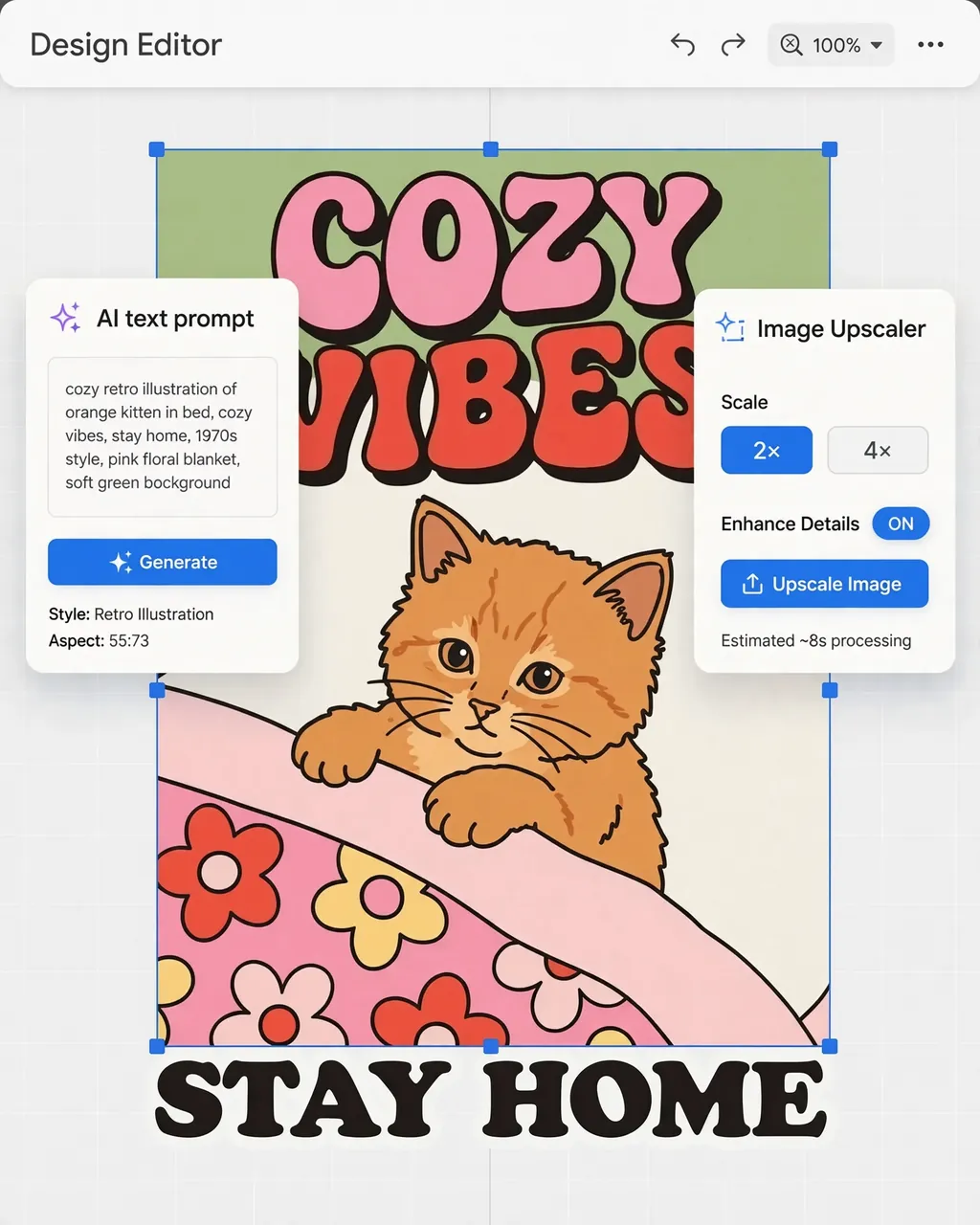
Stuck on ideas? Describe the vibe in plain words and let the generator draft options for you. When the front is ready, flip to the back and place a second design, then check the whole thing on a true-to-life preview before anything goes live.
From blank hoodie to live listing in four steps
- 01
Pick the blank
Open MRCH on your phone or the web and choose the pullover hoodie or the crewneck sweatshirt. The print area loads first, so every idea starts at a printable size.
- 02
Make the art
Generate from a short prompt, start from a merch style, or upload a file you already own. Bold type and simple shapes hold up best on fleece.
- 03
Place front and back
Each side gets its own design. Scale, rotate, layer, erase, or knock out the background until both sides sit exactly where a printer would put them.
- 04
Price and publish
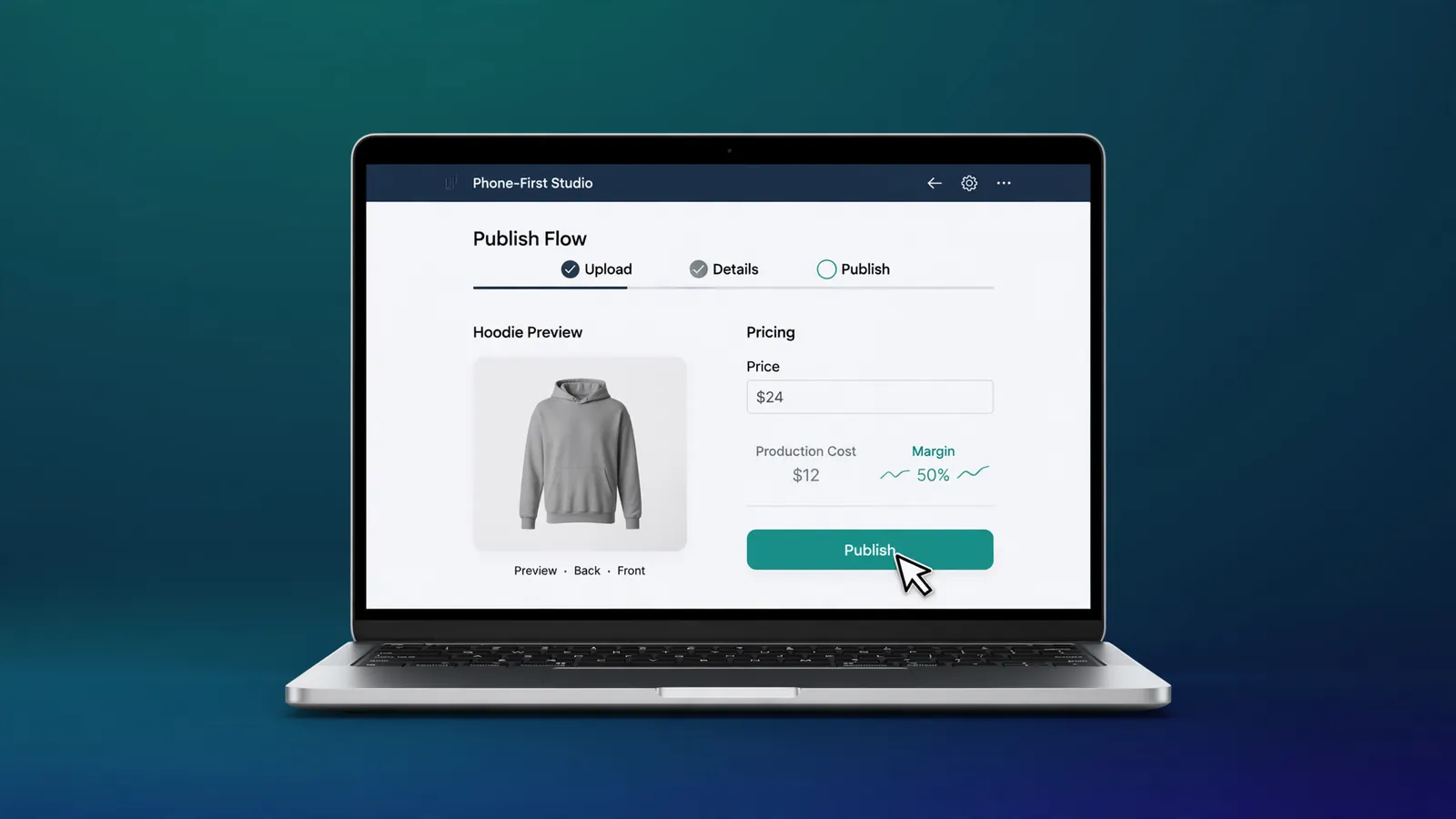
Set your sale price beside the production cost, keep the margin you planned, and open your shop. The first order prints after it sells.
- Open the studio
Start from a hoodie graphic
Five example graphics made for fleece. Open any of them in the studio, restyle it, and place it on a real blank.
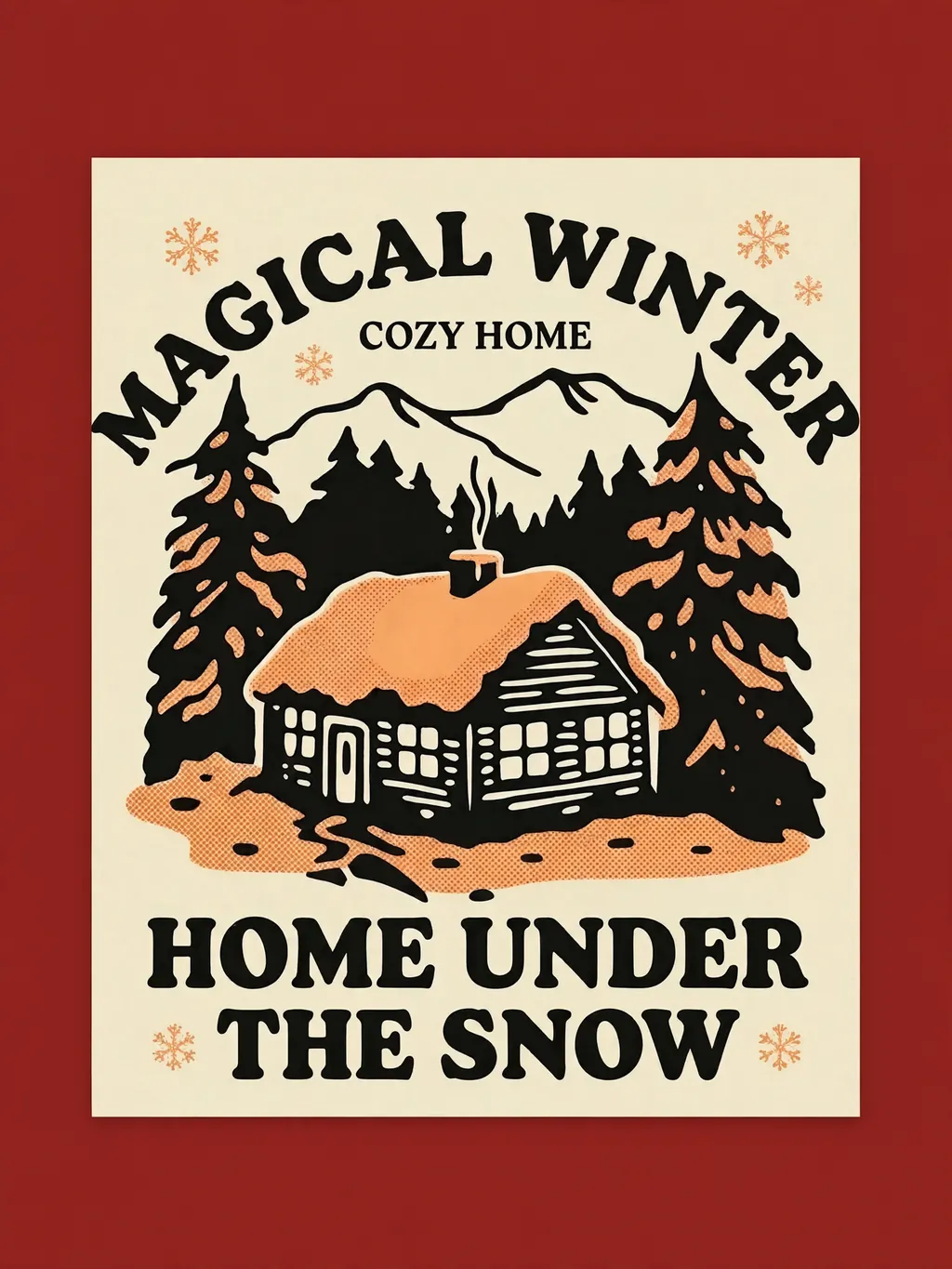
Example graphic · restyle it in MRCH

Example graphic · restyle it in MRCH
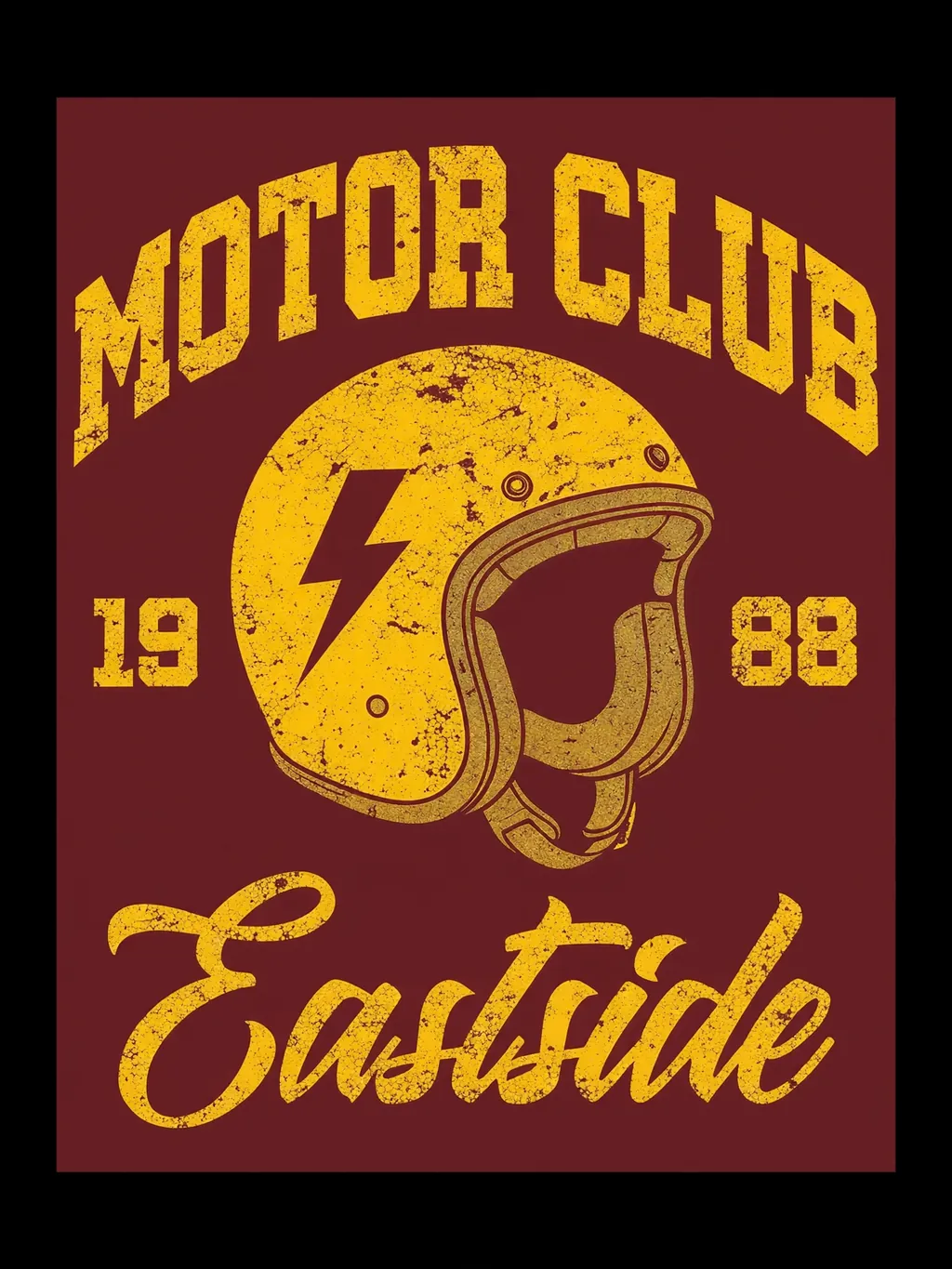
Example graphic · restyle it in MRCH
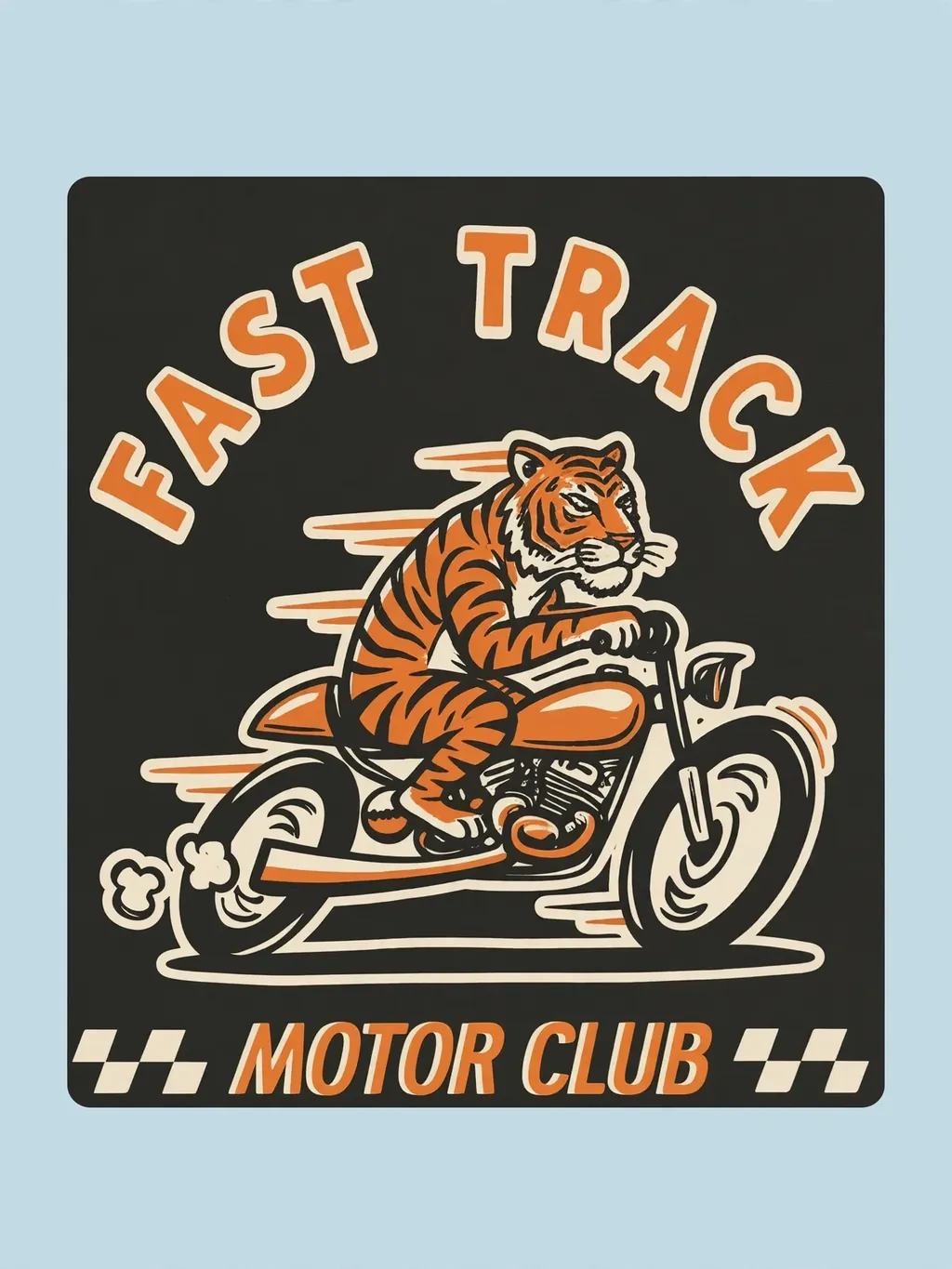
Example graphic · restyle it in MRCH
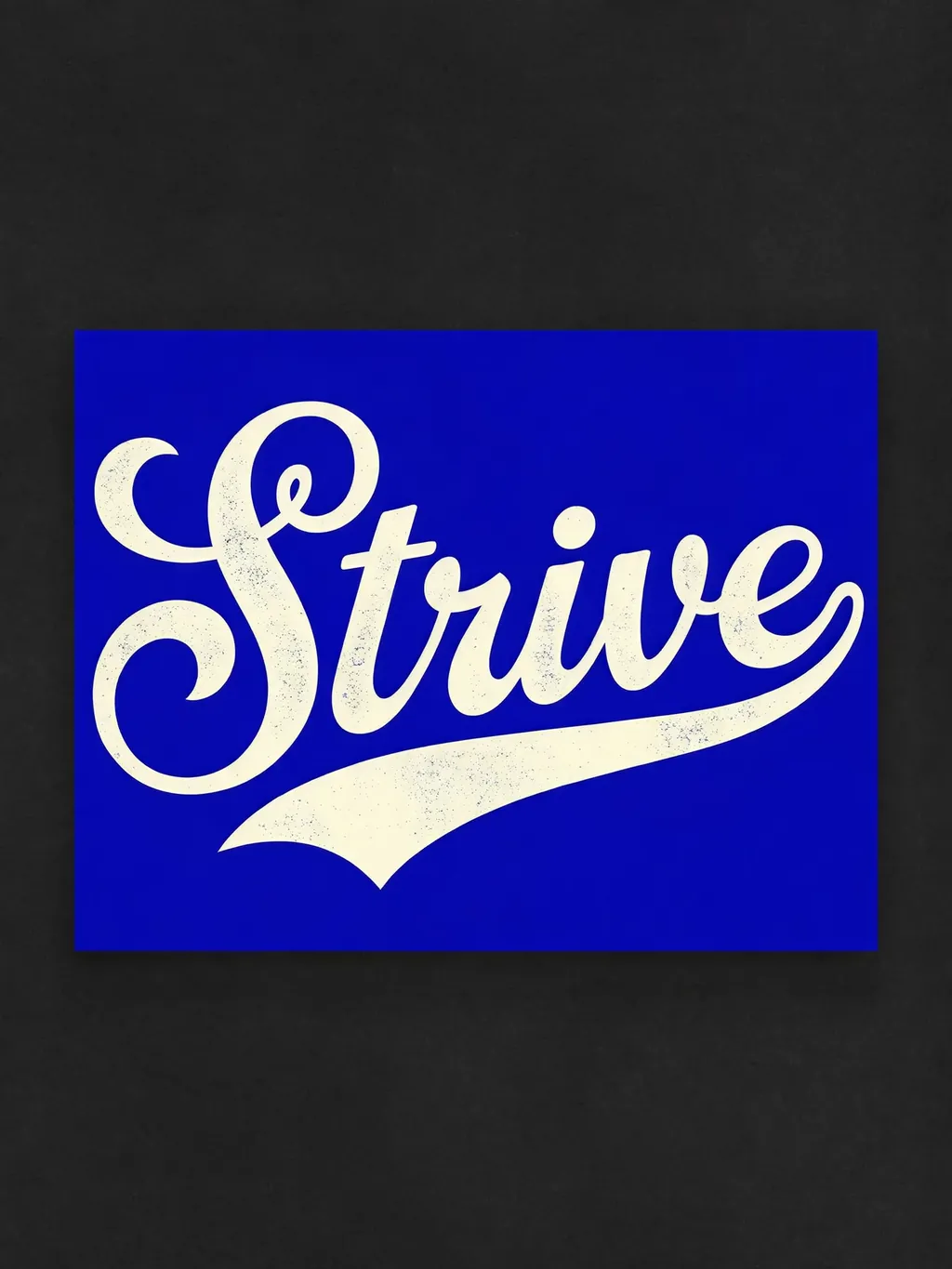
Example graphic · restyle it in MRCH
More merch styles live in the app
Browse more in the appA hoodie for the occasion you already have
Team fundraiser, first merch drop, matching crewnecks for the group chat: pick a graphic that fits the occasion and tune it to your colors. And unlike a lone design file, each one can become a priced listing in your shop.
Make my hoodie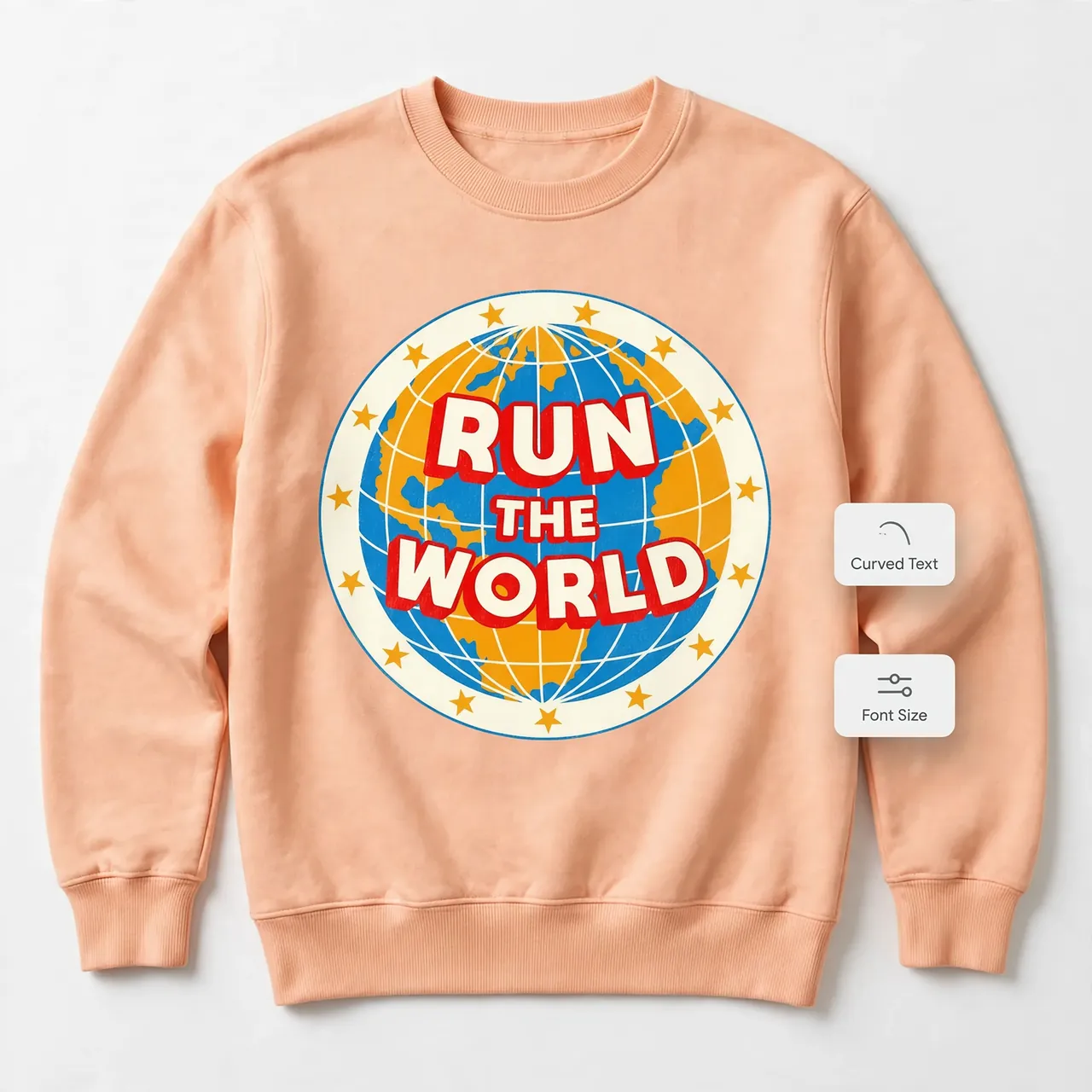
Your name across the chest
Upload your logo or wordmark, add text with fonts, and scale, rotate, and layer it until the crewneck reads as yours. Front and back are separate designs, so a small chest mark never has to fight a big back print.
Put my brand on itSee it on a body before it exists
Preview the finished hoodie on a real garment before you commit: check the drape, the scale, and the back print. Happy with it? Publish the listing, share the link, and let each paid order trigger its own print.
Preview my hoodie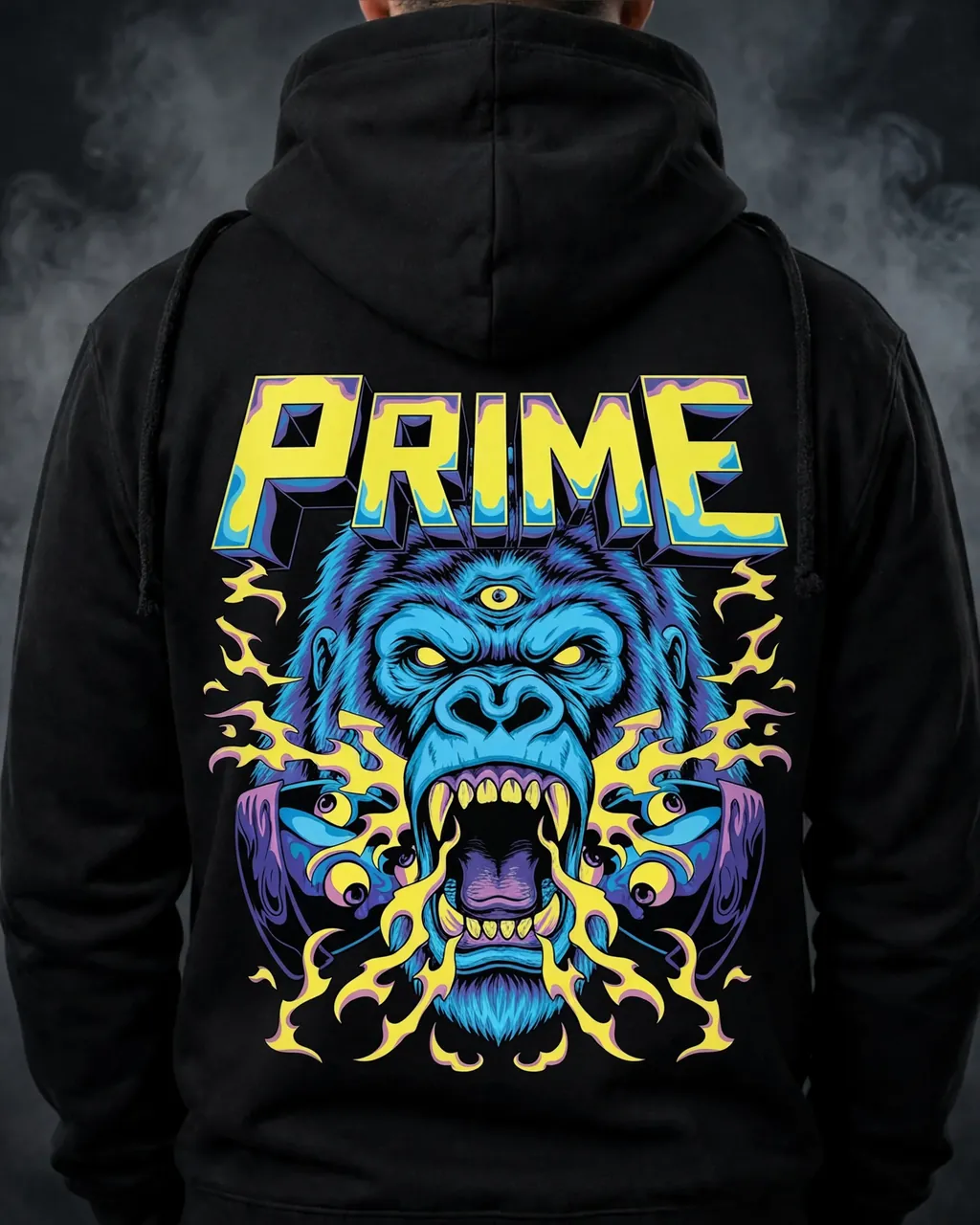
Front print placed
Back print placed
Why a listing beats a design file
Set the sale price next to the production cost and keep the difference you planned. Sketch the math any time first.
Open the calculatorA single paid checkout starts its own print. No dozen-piece unlock, no cartons, no guessing sizes.
How printing worksYour hoodies live beside tees, hats, and totes on one store link you can share anywhere.
Tour the storeKeep exploring
Hoodie questions, answered
Turn the idea into the drop
Streetwear capsule, team fundraiser, or the logo your regulars keep asking for: design it on the real blank, price it against its cost, and open the shop. The apps are free to install.