Compare · iPhone AI t-shirt apps

Best iPhone apps to design and sell custom t-shirts with AI

Map of iPhone app classes for custom tees: design-only tools, POD middleware, and one-flow stores that publish a live URL. How AI design fits each path. A job map, not a ranked list.

Custom t-shirt design flow on a phone-first merch studio

Design-only / POD middleware

Export a file, or print into a store you already run

MRCH one-flow

AI design + live shop URL on the same iPhone path

The job on iPhone

Art, blank, price, URL, fulfill.

  1. 01

    Art

    Generate with AI, upload your own file, or both.

  2. 02

    Blank

    Place the graphic on a real garment with a readable print area.

  3. 03

    Price

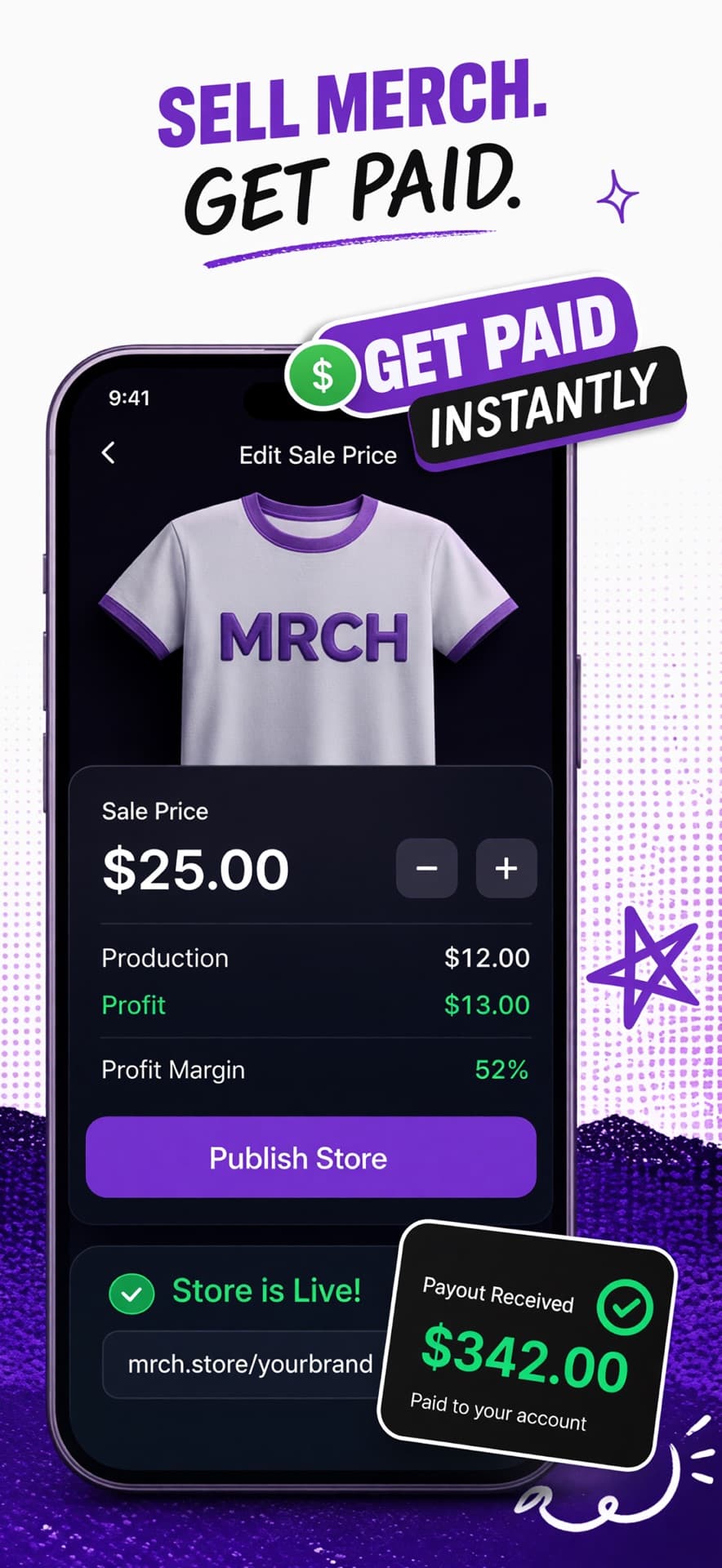
    See production cost, set the sale price, confirm margin before you publish.

  4. 04

    URL + fulfill

    Publish a live store link, then print and ship after a paid order.

Class map

Three shapes of iPhone merch app.

  • Design-only (Canva-class)

    Build a graphic and export a file or mock. AI helps with generation or cleanup. Checkout URL, SKU, and print-after-order live elsewhere.

  • POD middleware (Printful-class)

    Print catalogs connect blanks to a storefront you already run. Mobile apps manage products and orders. Design and checkout often stay separate logins.

  • One-flow store (MRCH)

    One app owns design on the blank, pricing with cost visible, a live store URL, and print after paid order. You share the link yourself.

Design-only and POD middleware

Design-only apps (Canva-class) win when the phone is only for making art and you already trust a store plus printer. Export is not a store. POD middleware (Printful-class) fits when Shopify or similar is already the center of your business and you only need catalog print. The phone is a control panel, not the whole shop.

If an app stops at export, you still need a store and a print path. If an app is a print catalog, you still need design and checkout elsewhere. The question "best iPhone app" only makes sense once you know which steps you already own.

What MRCH is built for

MRCH (Design & Sell Merch, App Store id 6757739071) is the one-flow store from Backstage AI LLC: AI design, live zero-inventory shop, transparent cost and profit, no deposits or order minimums to exist. Phone plus web at sellmerch.ai.

Honest limit: if you need Shopify-class ops (complex multi-channel inventory, heavy theme engineering, B2B quoting), keep a full ecommerce stack and treat MRCH as the wrong shape of tool. For the phone head-to-head with Printful and Custom Ink, see MRCH vs Printful vs Custom Ink. For the step-by-step path, see sell merch from iPhone.

Feature snapshot

A job-fit table, not a ranking. It does not score brands or invent install ranks.

MRCH compared with Design-only / POD middleware
FeatureDesign-only / POD middlewareMRCH
AI design on phoneDesign-only / upload into PODYes — generate + place in-app
Live buyer URLSeparate or connected storeBuilt-in live shop
Print after paid orderDepends on stackYes
Inventory holdNone for POD SKUsNone
Order minimum to existDepends on store setupNone required

Who should pick which

Stay design-only or POD middleware if…

The phone is for art and you already trust your store plus printer — or Shopify (or similar) is already the center of your business and you only need catalog print.

Use a one-flow store if…

The missing piece is the listing itself: blank, price, URL, fulfill after sale, on iPhone. Leaving a platform is a rebuild. Export art and notes you control. Do not expect an automatic importer of products, customers, or history into MRCH.

Open the canvas. Place the graphic. Set the price. Publish the store. Share the URL at sellmerch.ai.

FAQ

What's the best iPhone app to design and sell custom t-shirts with AI?

There is no single crown. Match the class to the job. Design-only apps (Canva-class) stop at export. POD middleware (Printful-class) prints into a store you already run. A one-flow store like MRCH covers AI design, live URL, and print after paid order on the phone. Pick by which steps you still need.
Can I design and sell from iPhone without a separate Shopify store?

Yes, if you use a one-flow store app. On MRCH you place art on a blank, set price against production cost, publish the shop, and share the link. POD middleware still assumes a storefront you connect.

Where does AI design fit vs uploading my own art?

Both belong in the same canvas when the app is built for merch. Generate or upload, lock placement on the print area, then price and publish. AI that only makes a still still needs a blank and a checkout path somewhere else.

When should I keep Printful or a design-only app instead of MRCH?

Keep Printful-class tools when you already run the cart and only need catalog fulfillment. Keep design-only when export into an existing stack is enough. Choose MRCH when you want design plus a live zero-inventory store on iPhone without assembling that stack first.

Design on iPhone, then publish

Generate artwork, see the margin, and open a live store. Free to install — iOS, Android, and web.

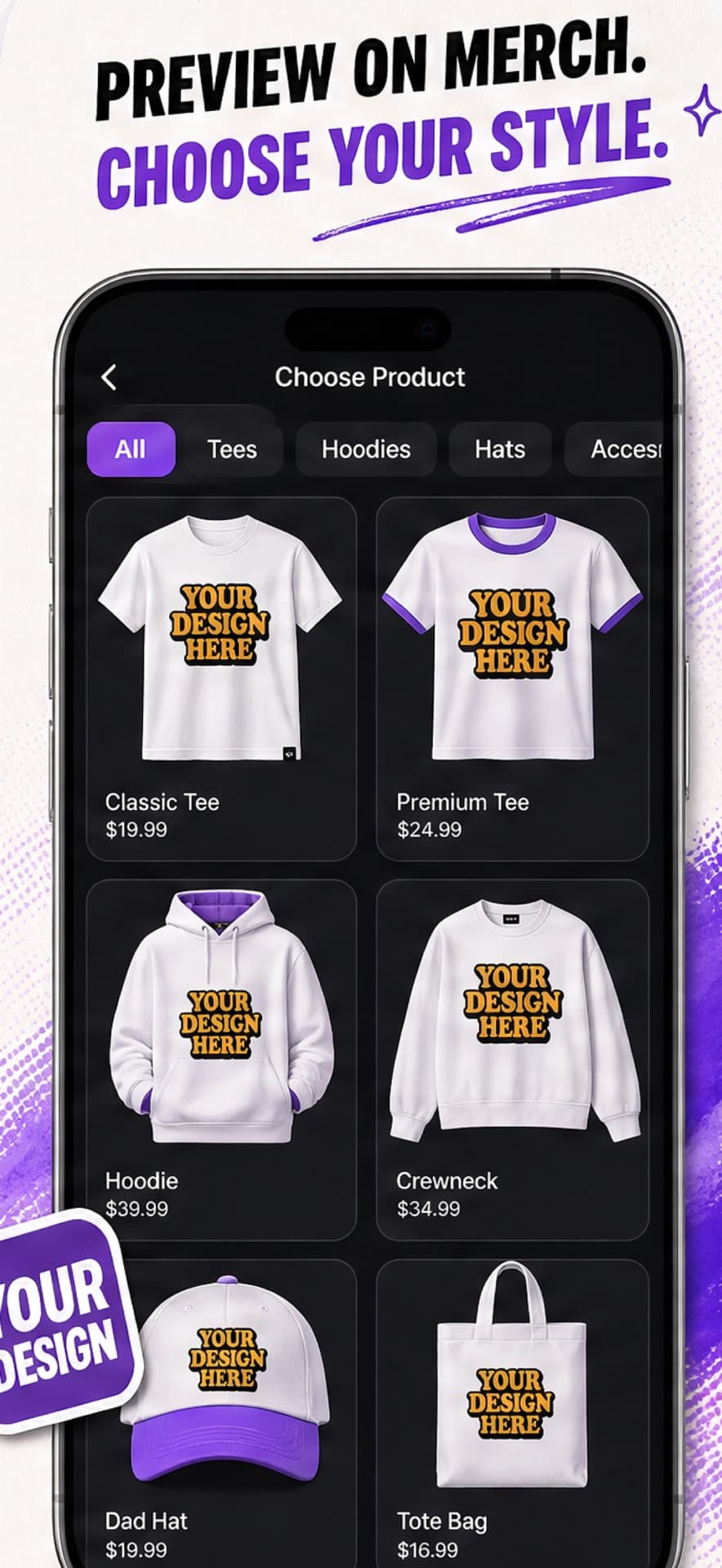
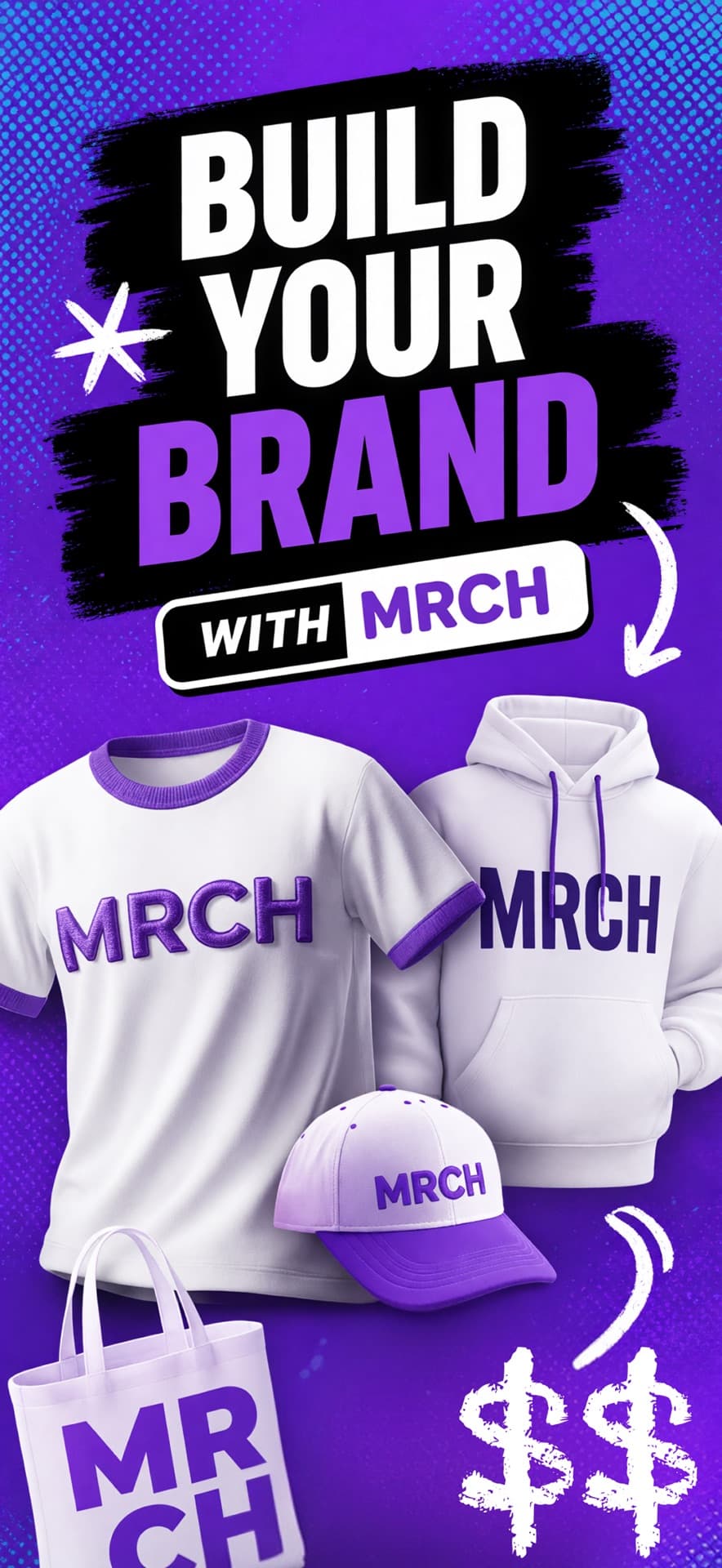
MRCH App Store screenshot: Build your brand with t-shirt, hoodie, cap, and tote mockups
MRCH App Store screenshot: Set a sale price, see profit, and publish a live store
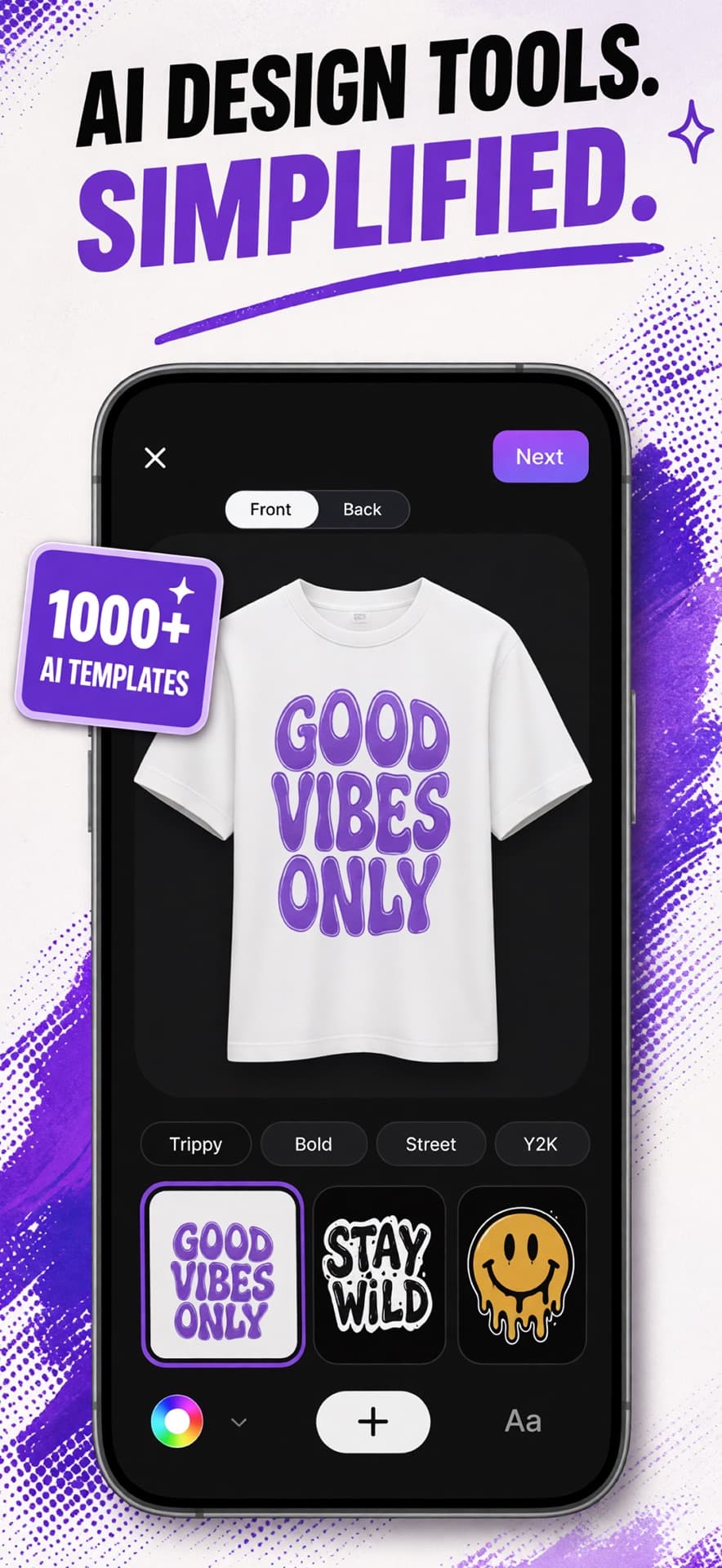
MRCH App Store screenshot: AI design tools on a t-shirt canvas with style templates
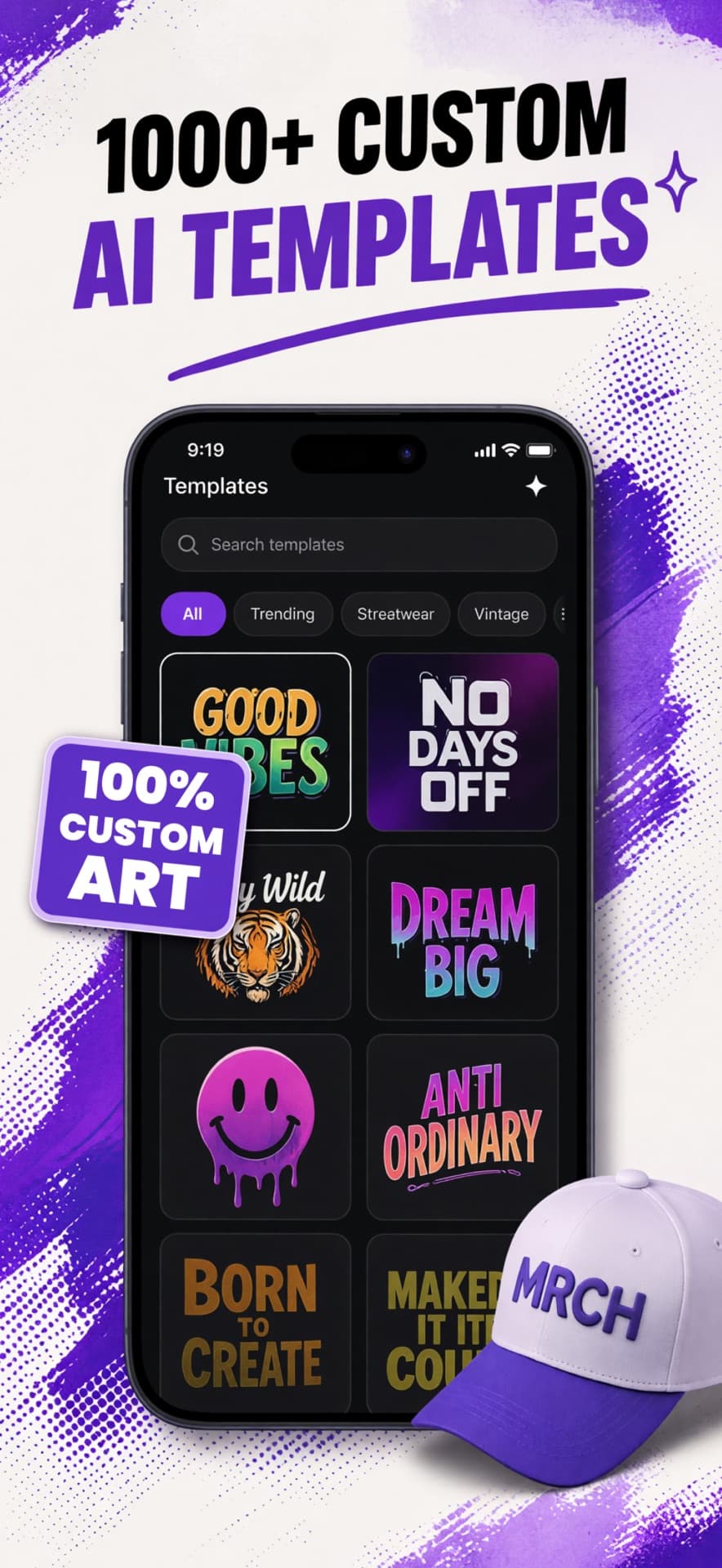
MRCH App Store screenshot: Browse custom AI merch templates
MRCH App Store screenshot: Preview a design on tees, hoodies, hats, and totes